Sharing
Share a file. Not your keys.
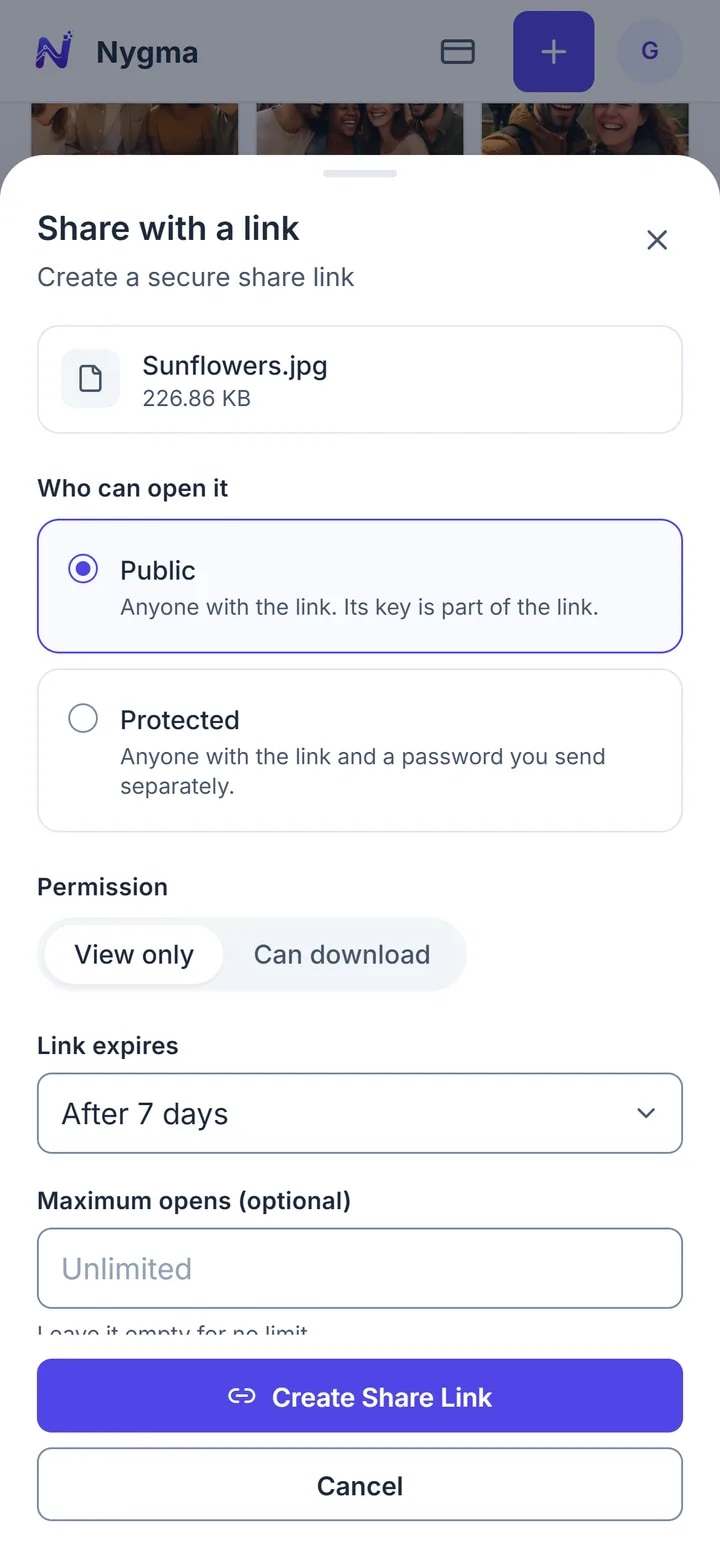
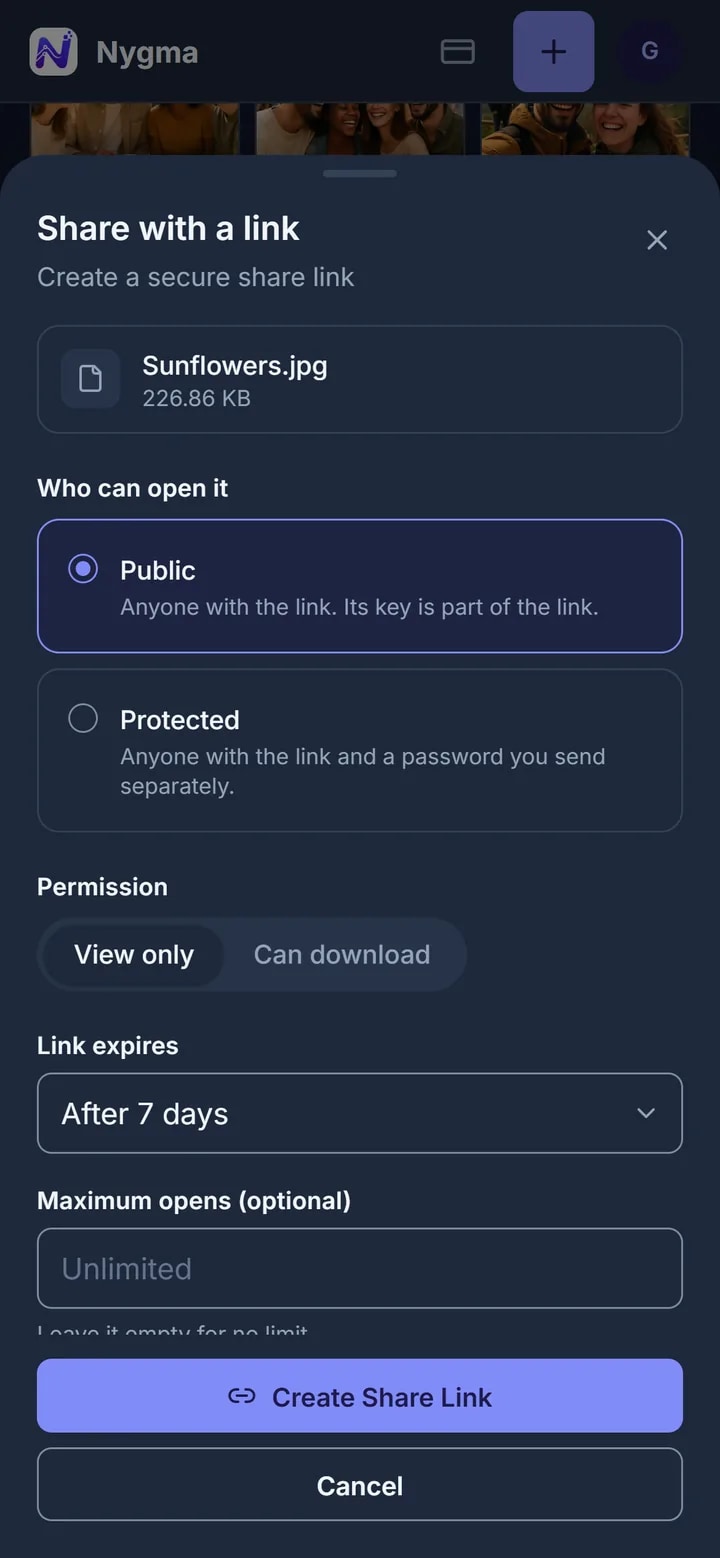
Send a link to a photo, a video, a document or a whole folder. It opens in the other person’s browser, decrypted on their device. We still see nothing.
- Public, or protected with a password
- View only or download
- Expires after 1, 7 or 30 days — or never
4 GB free, up to 10 GB with friends. No card. Works in your browser today.
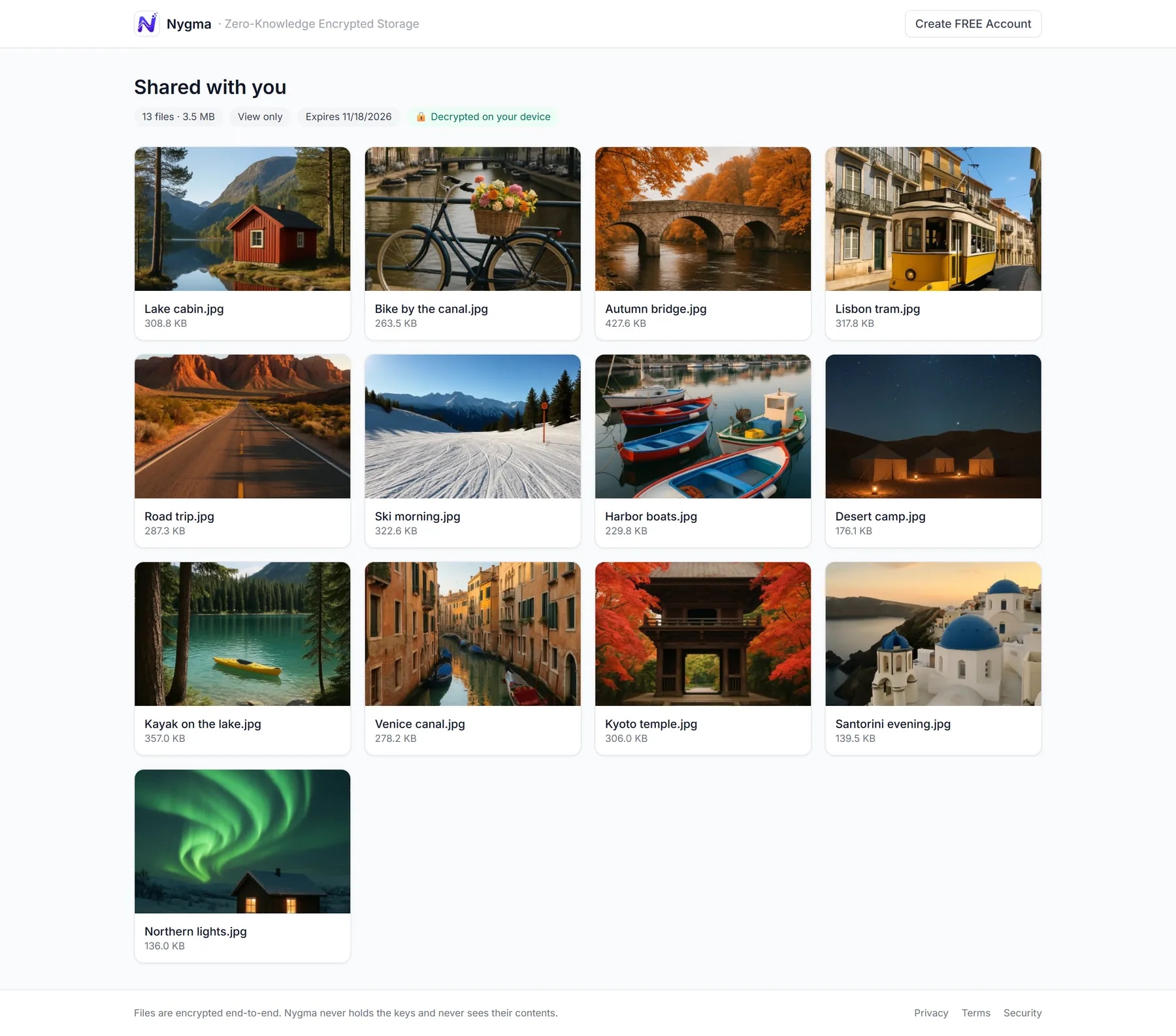
A clean page. No account needed.
Your friend gets a simple page with the photo, the video or the files — and a note that it was decrypted on their device.
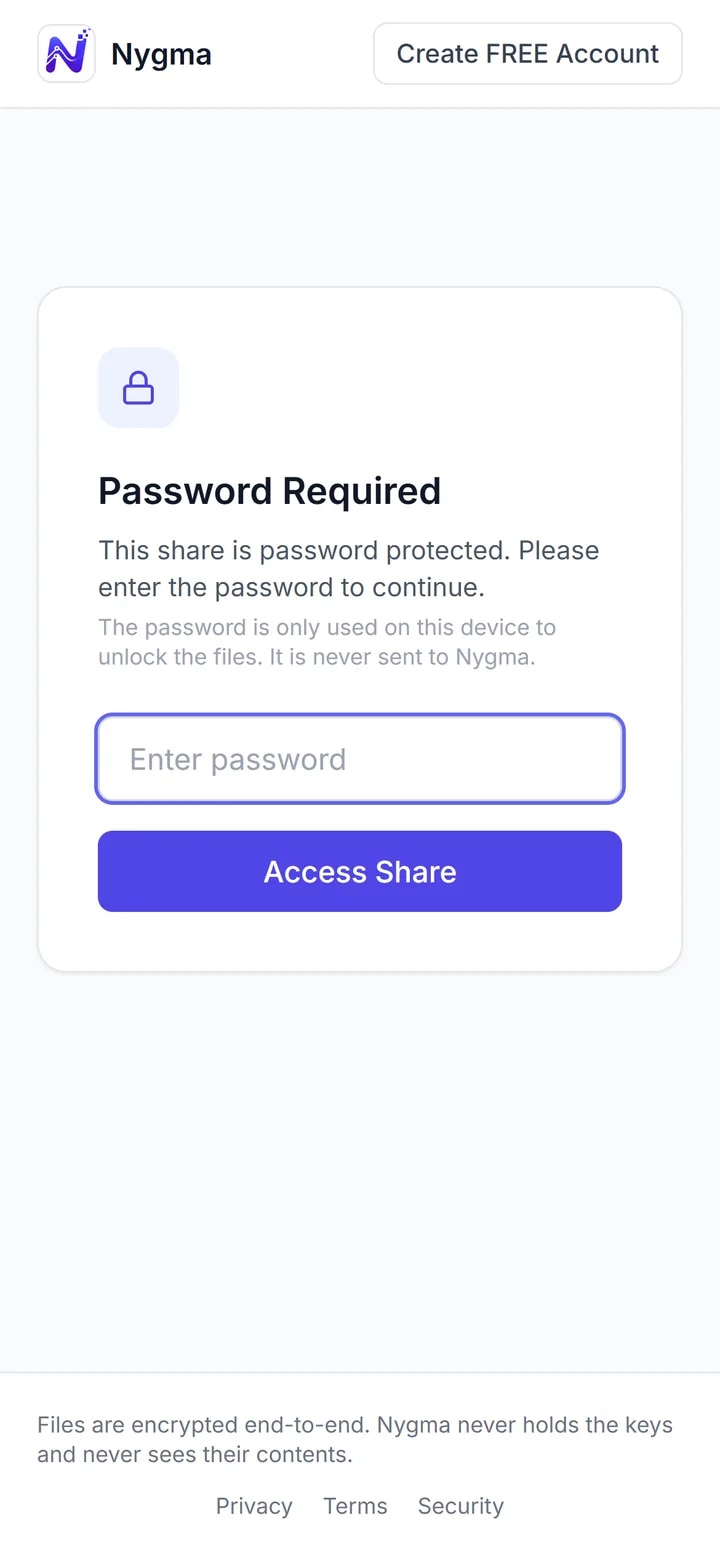
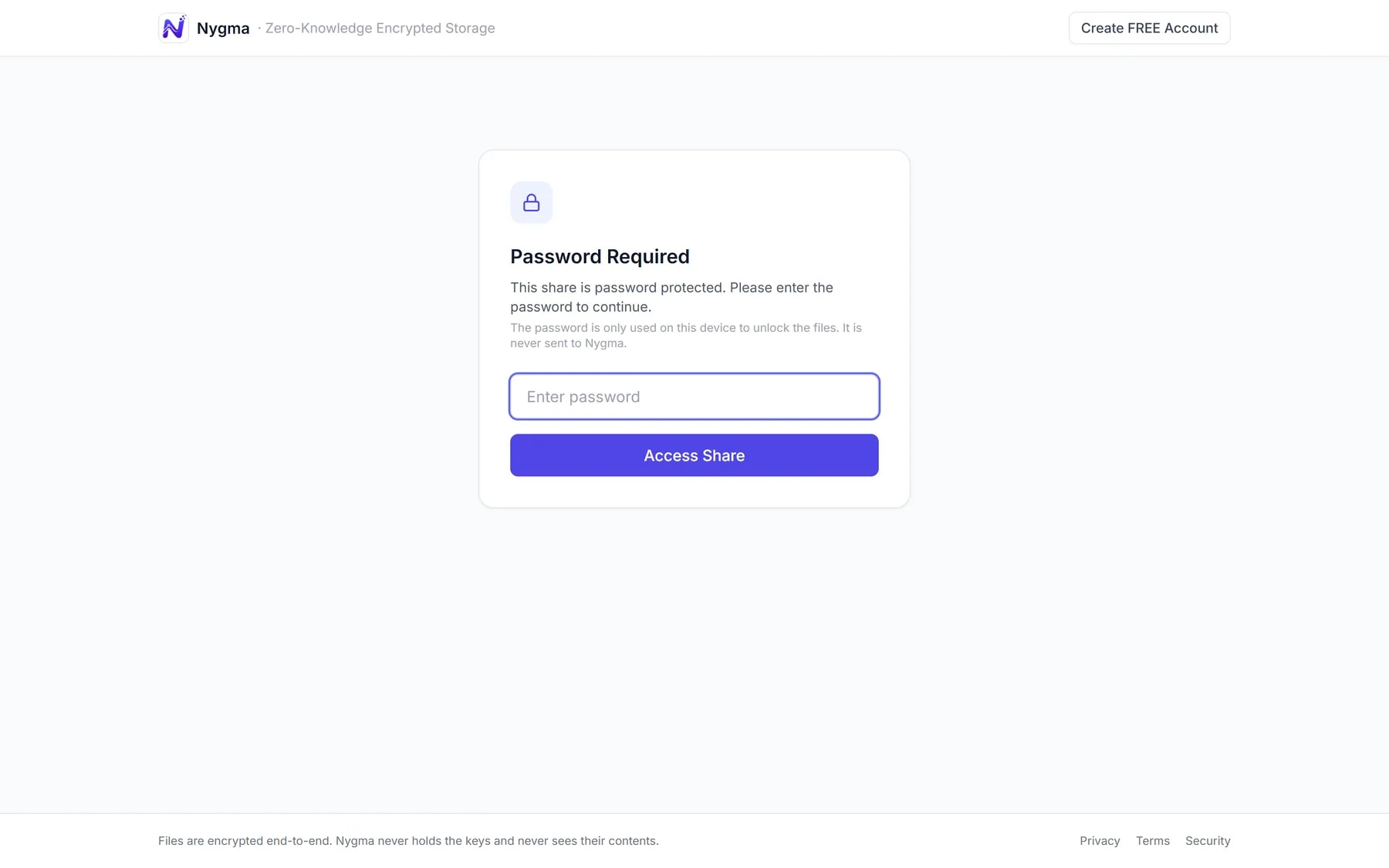
Lock a link with a password.
For anything sensitive, Nygma makes a strong password for the link. Send it another way — a text, a call — and only someone with both can open it.
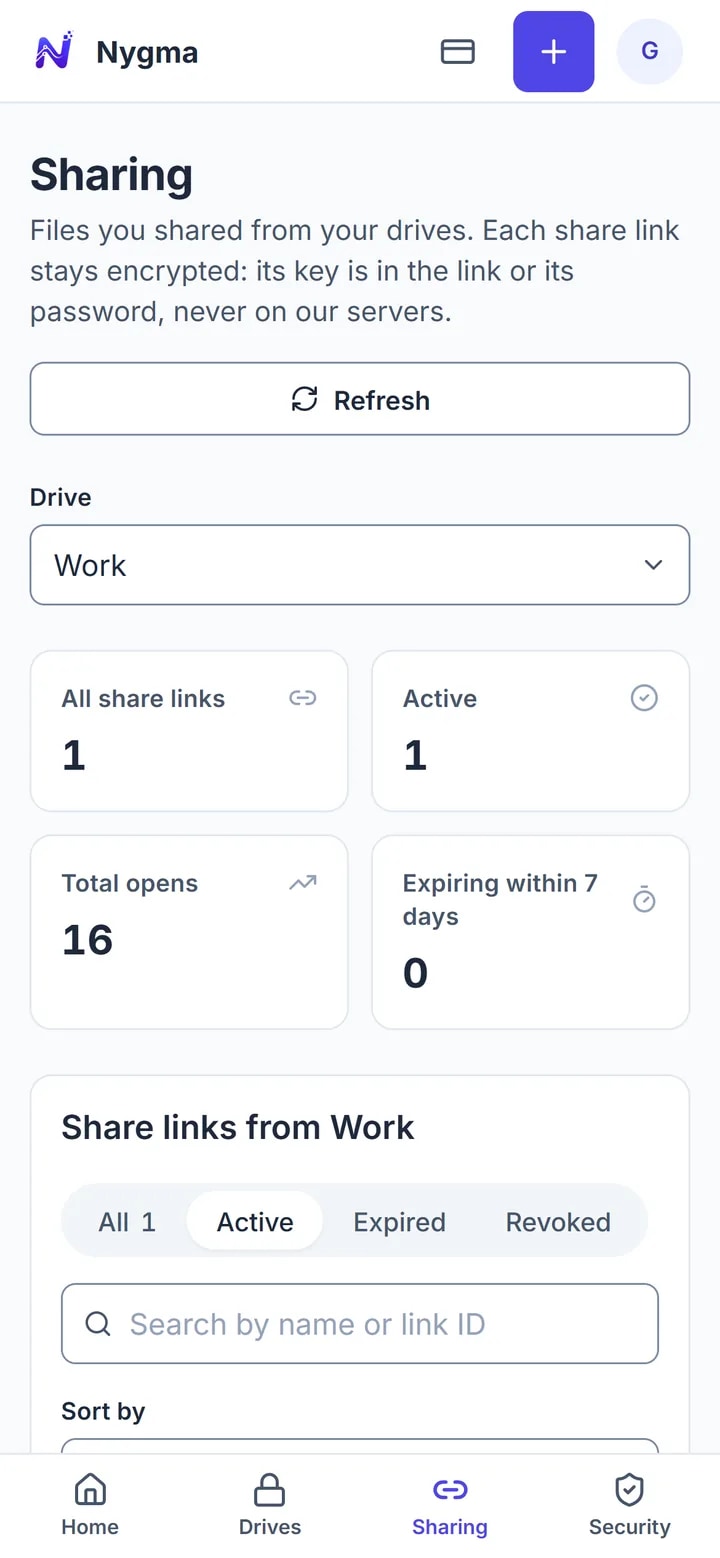
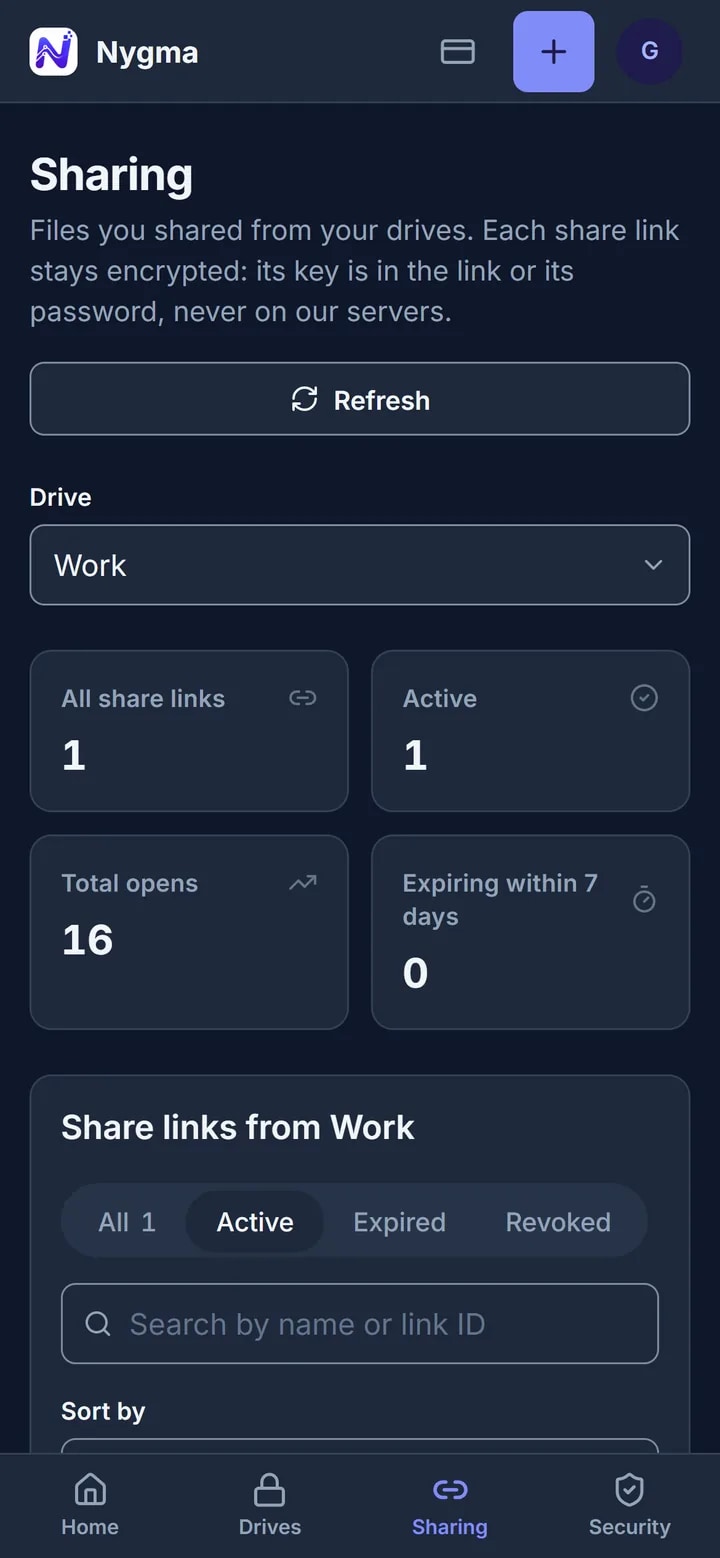
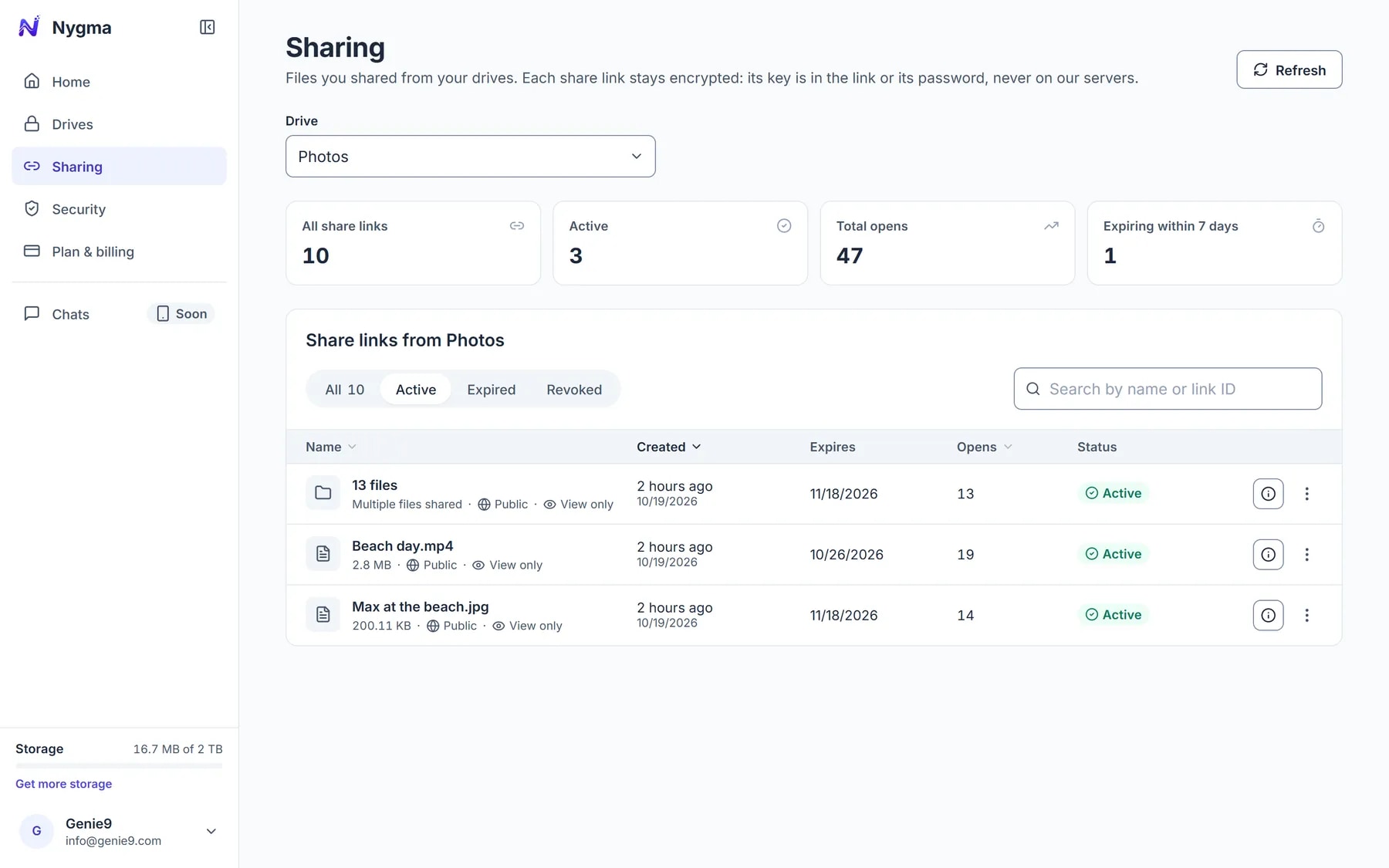
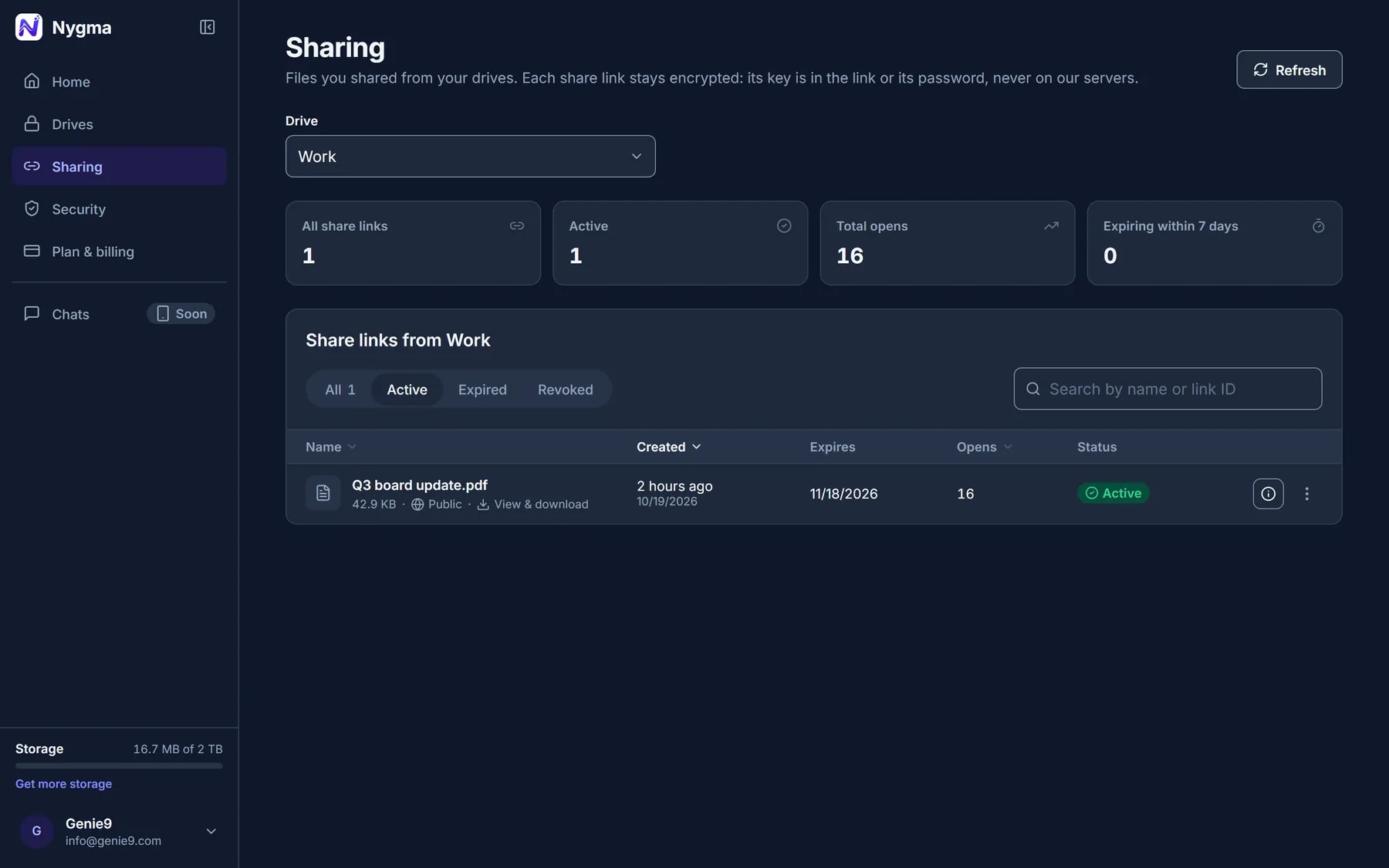
Every link in one place.
See how many times each link was opened, when it expires, and switch any of them off with one click.
Questions
About sharing.
Does the person I share with need a Nygma account?
No. They open the link in any modern browser, and the file is decrypted there, on their device.
Can Genie9 open a shared file?
No. A public link carries its key after the # sign, which browsers never send to a server. A protected link is unlocked with a password that never reaches us.
Can I take a link back?
Yes. Revoke it from the Sharing page and it stops working at once. You can also let it expire after 1, 7 or 30 days.
Can they download the file?
Only if you allow it. Choose View only and the page shows the file without a download button.
Share something privately today.
Free, with 4 GB.
4 GB free, up to 10 GB with friends. No card. Works in your browser today.