Nygma · Private encrypted drives
Your private things. Locked with your own key.
Nygma keeps your photos, videos and documents in encrypted drives. Everything is locked on your device before it uploads, so nobody else can open it — not hackers, not us, not even with a court order.
- Military-grade AES-256 encryption, file names included
- Every drive has its own password and a 24-word recovery key
- Advanced protection for the moment someone makes you open it
4 GB free, up to 10 GB with friends. No card. Works in your browser today.
How it works
Four steps. No setup.
No software to install and no account password to forget. Sign in with a code from your email, make a drive, and start adding files.
Make a drive
Give it a name and a password only you know. Nygma shows you a 24-word recovery key: keep it somewhere safe.
Add your files
Photos, videos, documents. Each one is locked on your device before a single byte leaves it.
Open them anywhere
Sign in, unlock the drive, and everything opens in your browser. Phone apps are coming very soon.
Share without the keys
Send a link to a photo or a folder. They open it in their browser; we still see nothing.
Your camera roll, for your eyes only.
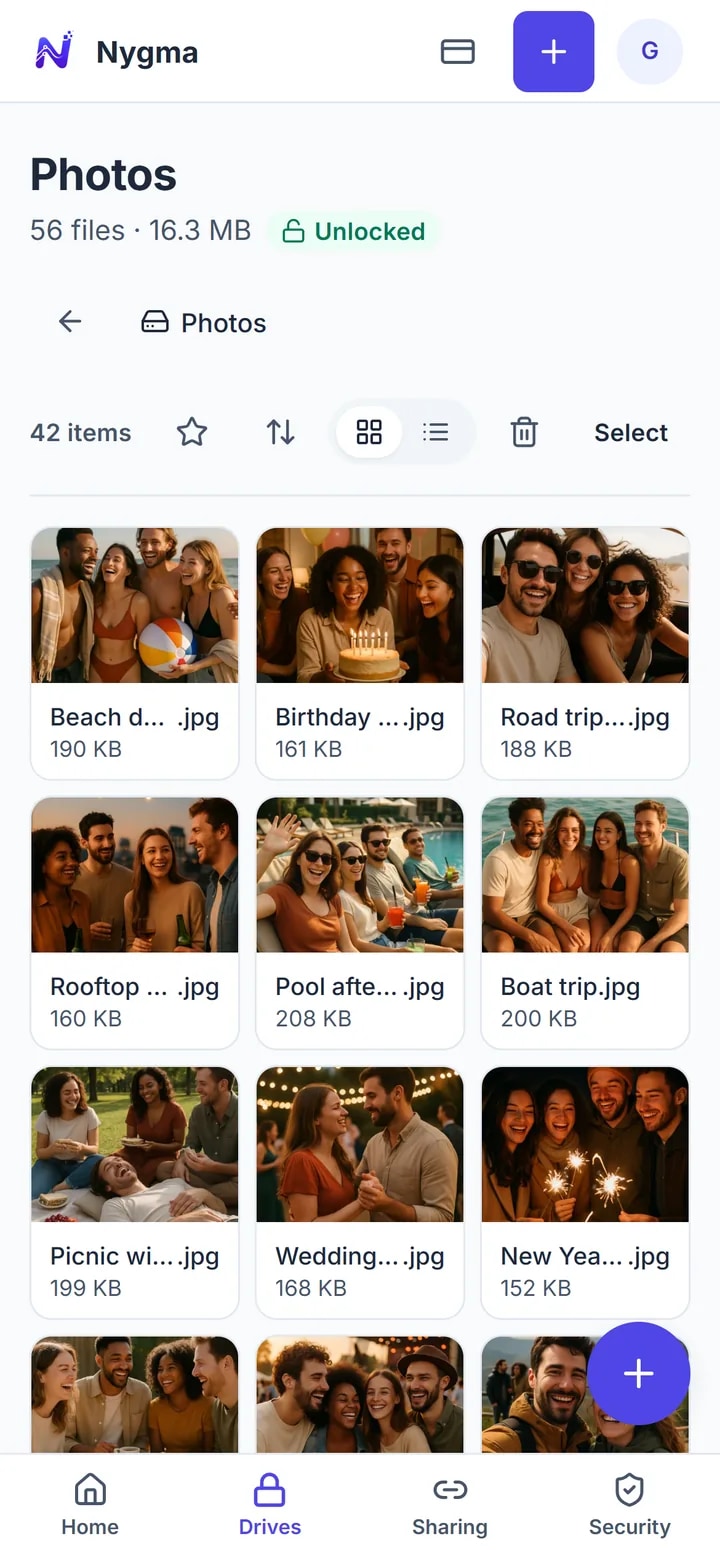
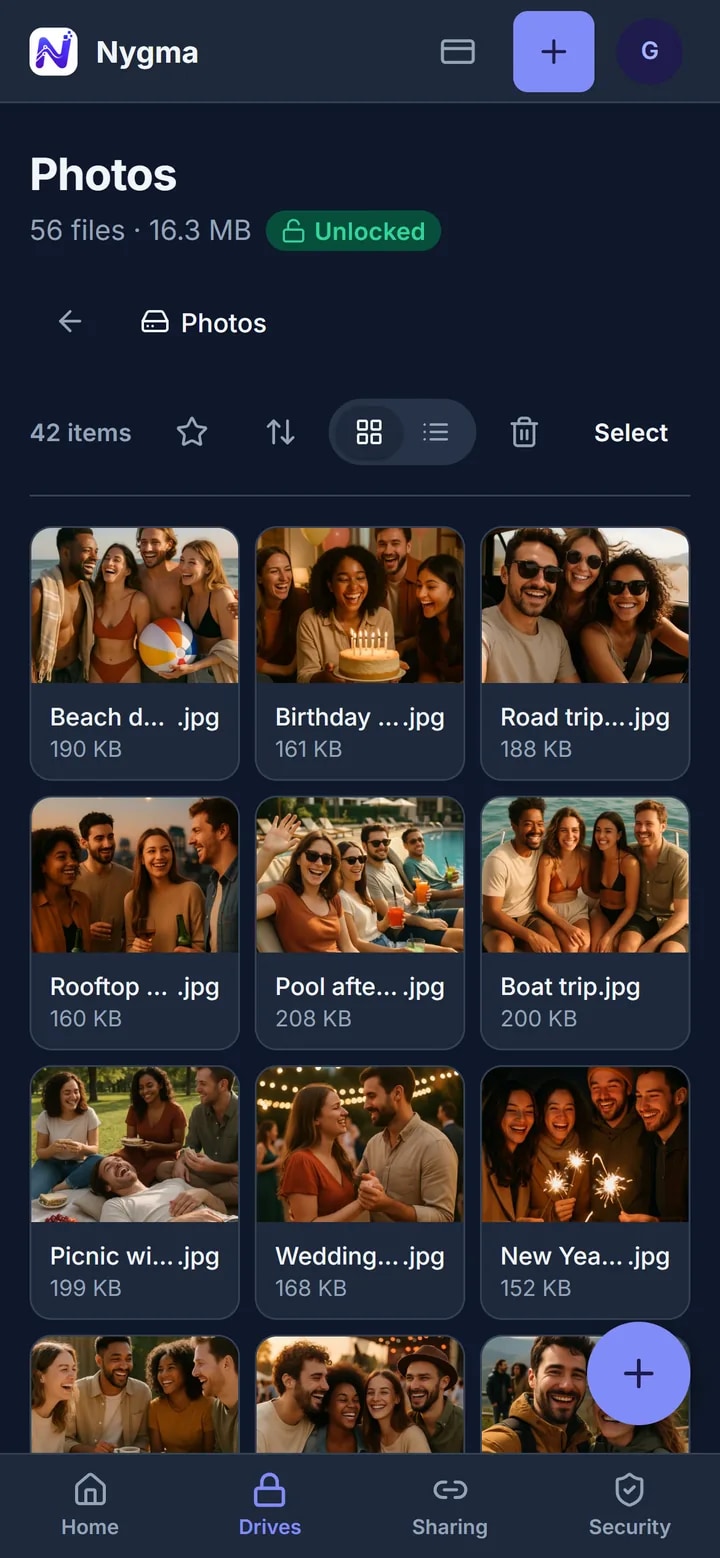
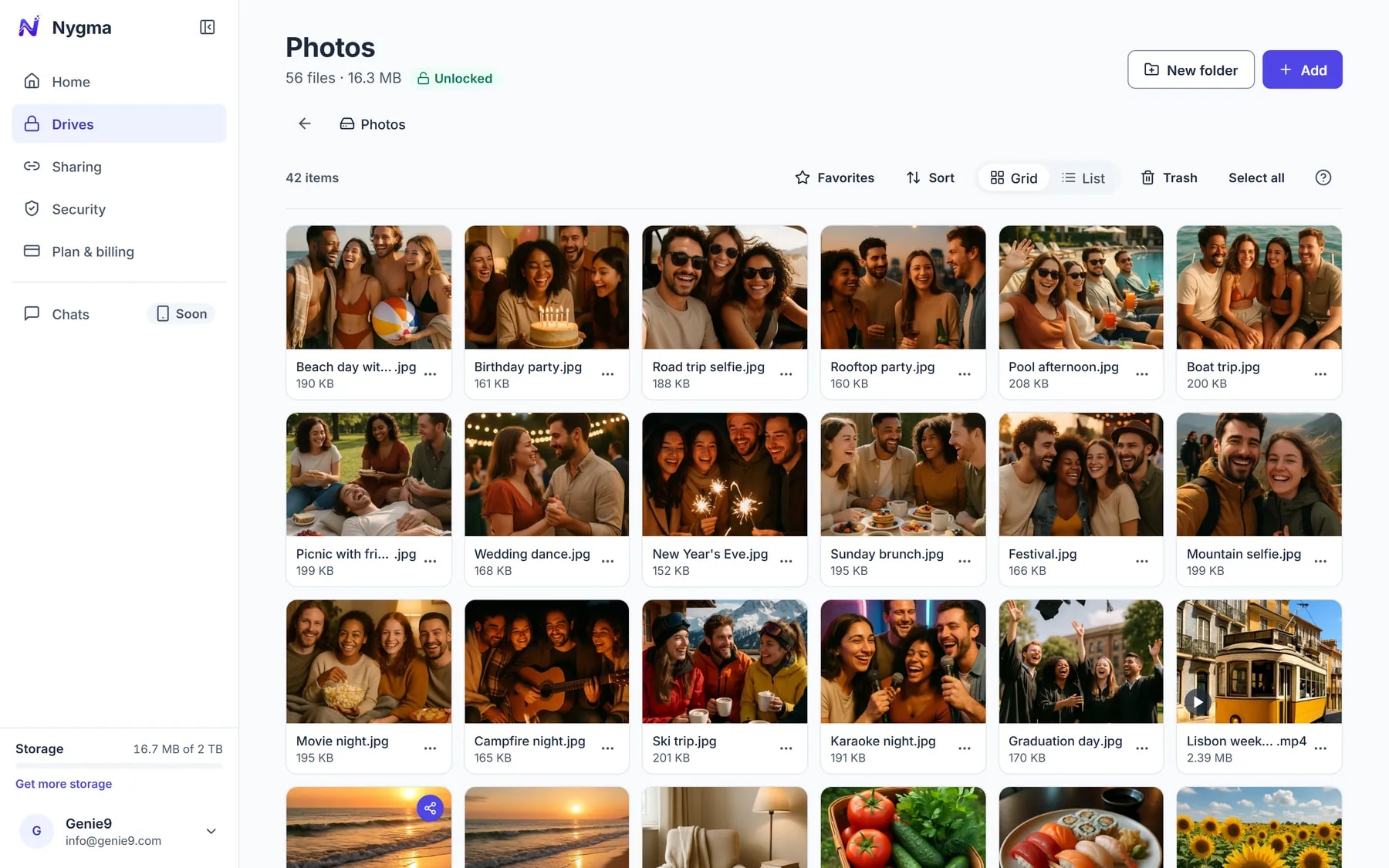
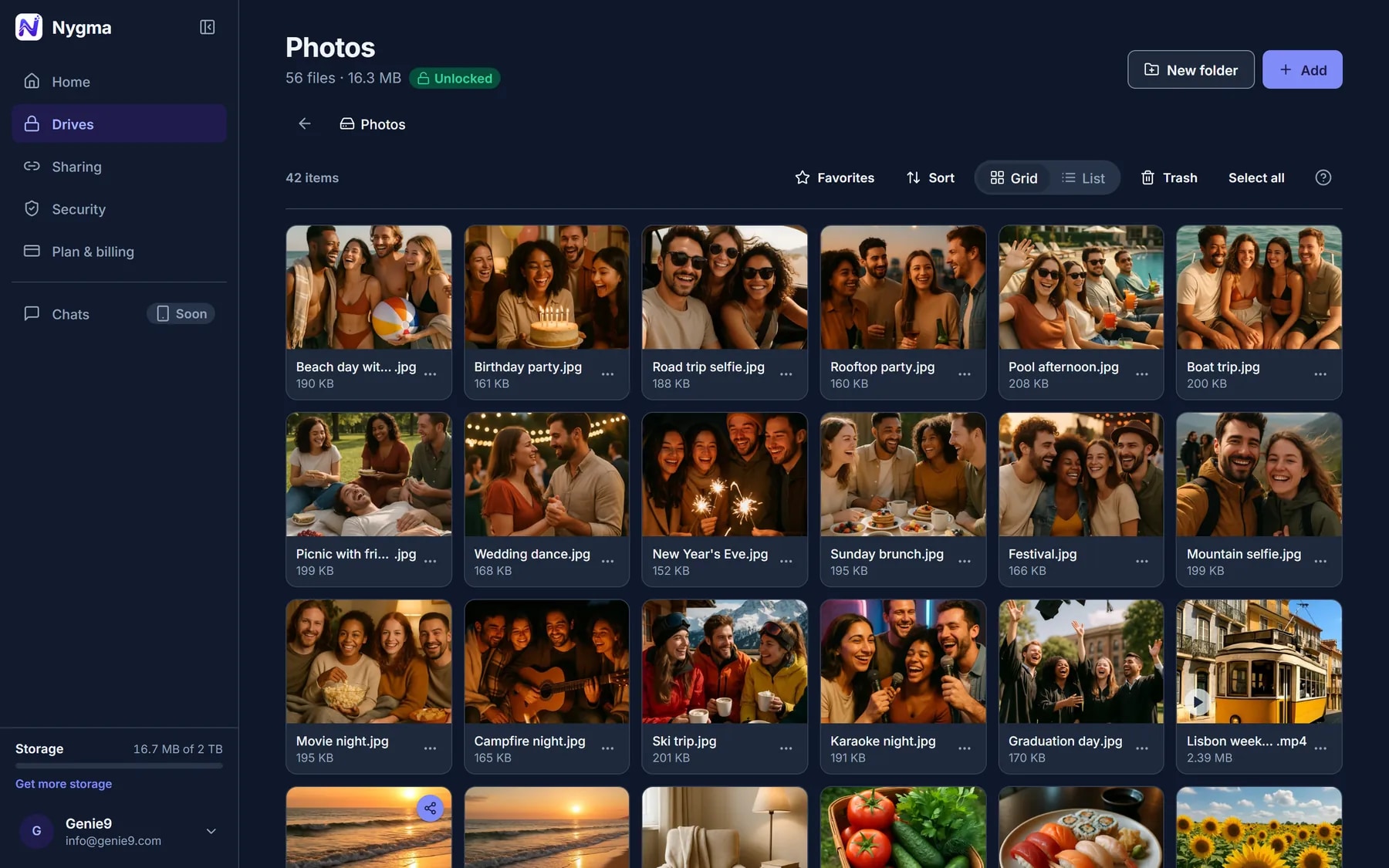
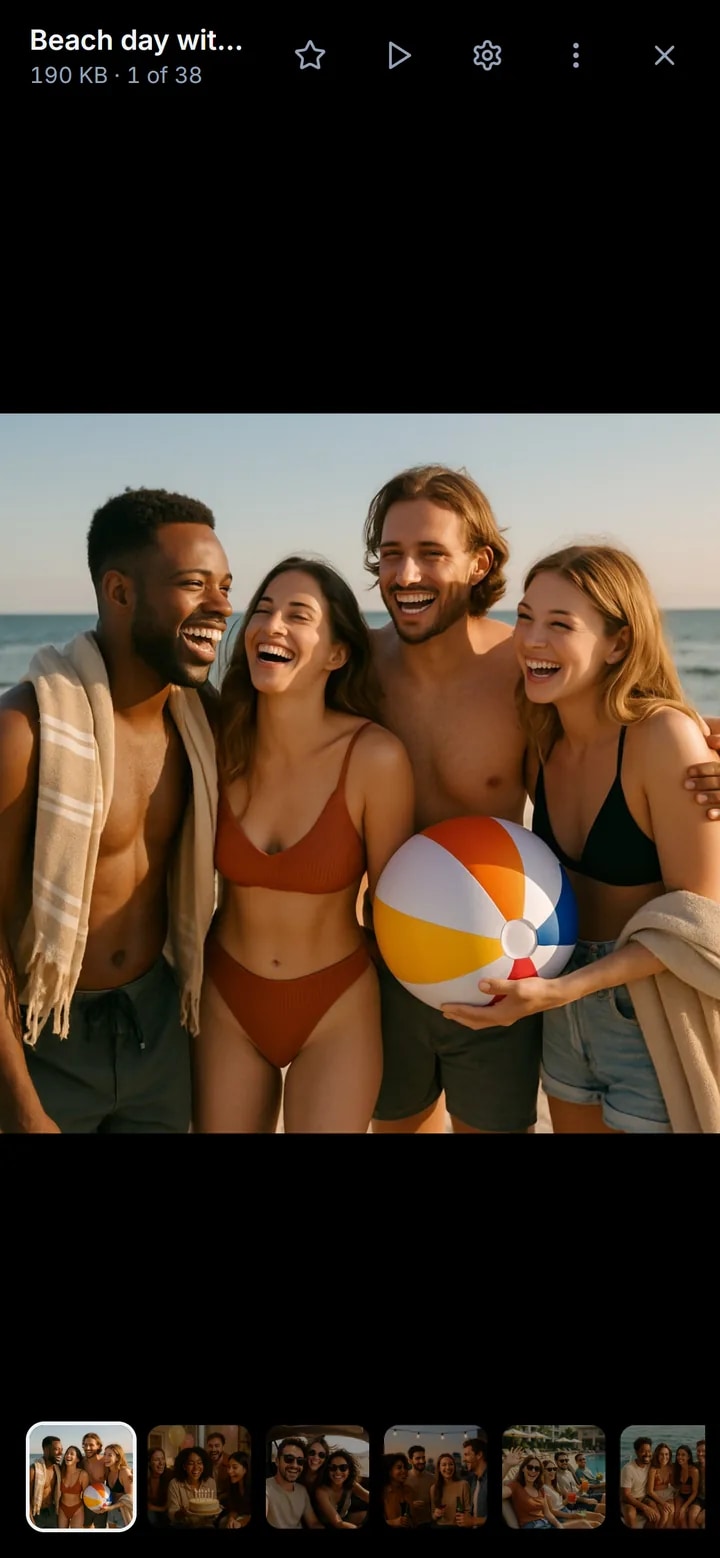
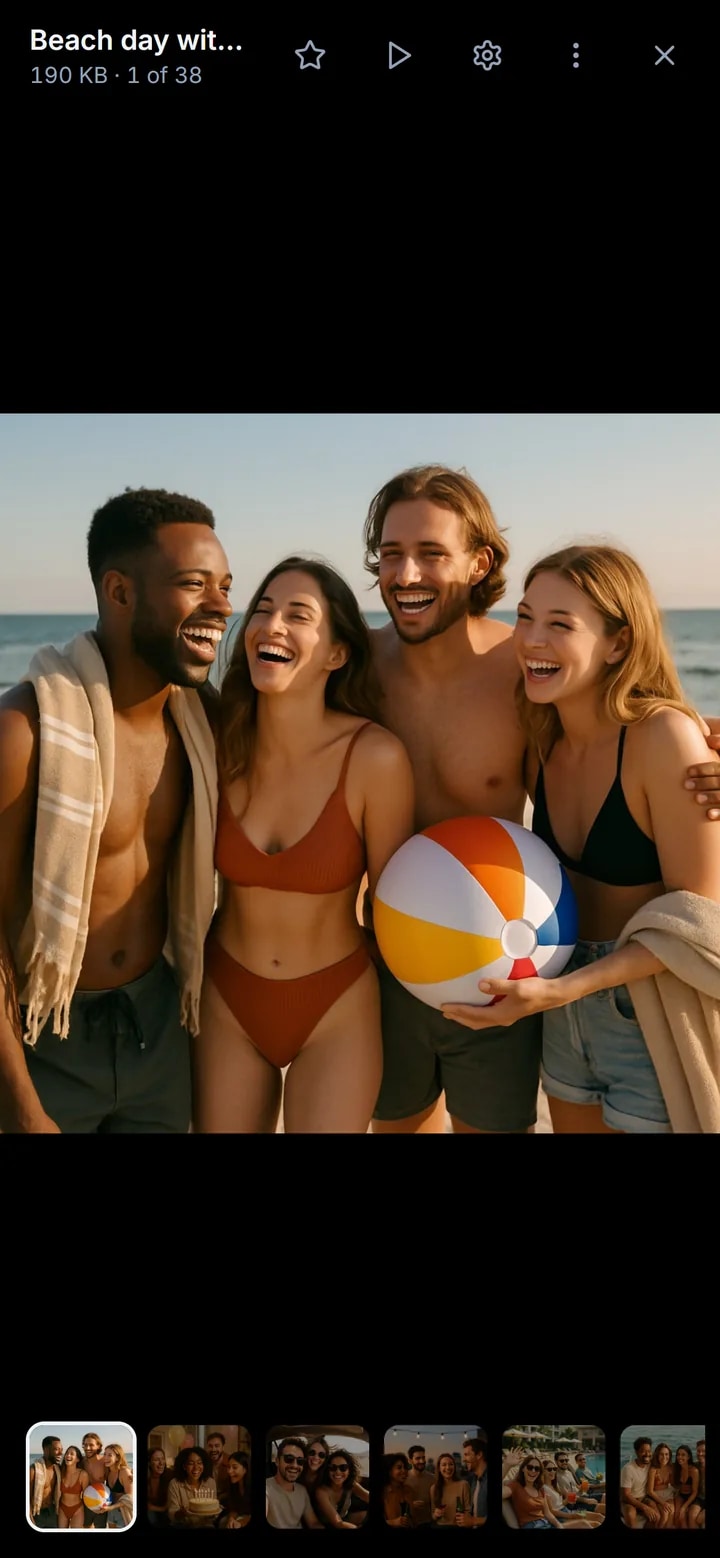
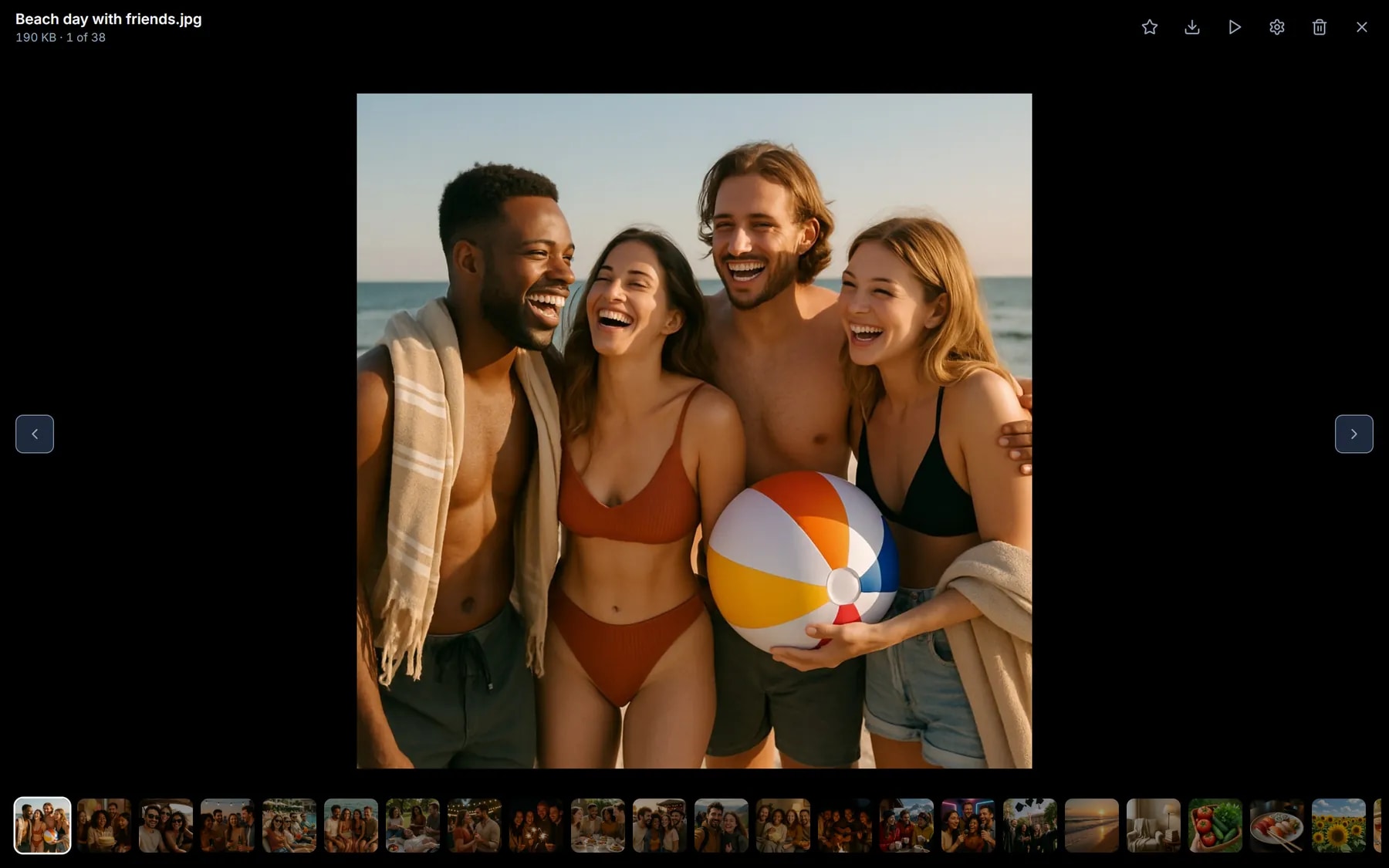
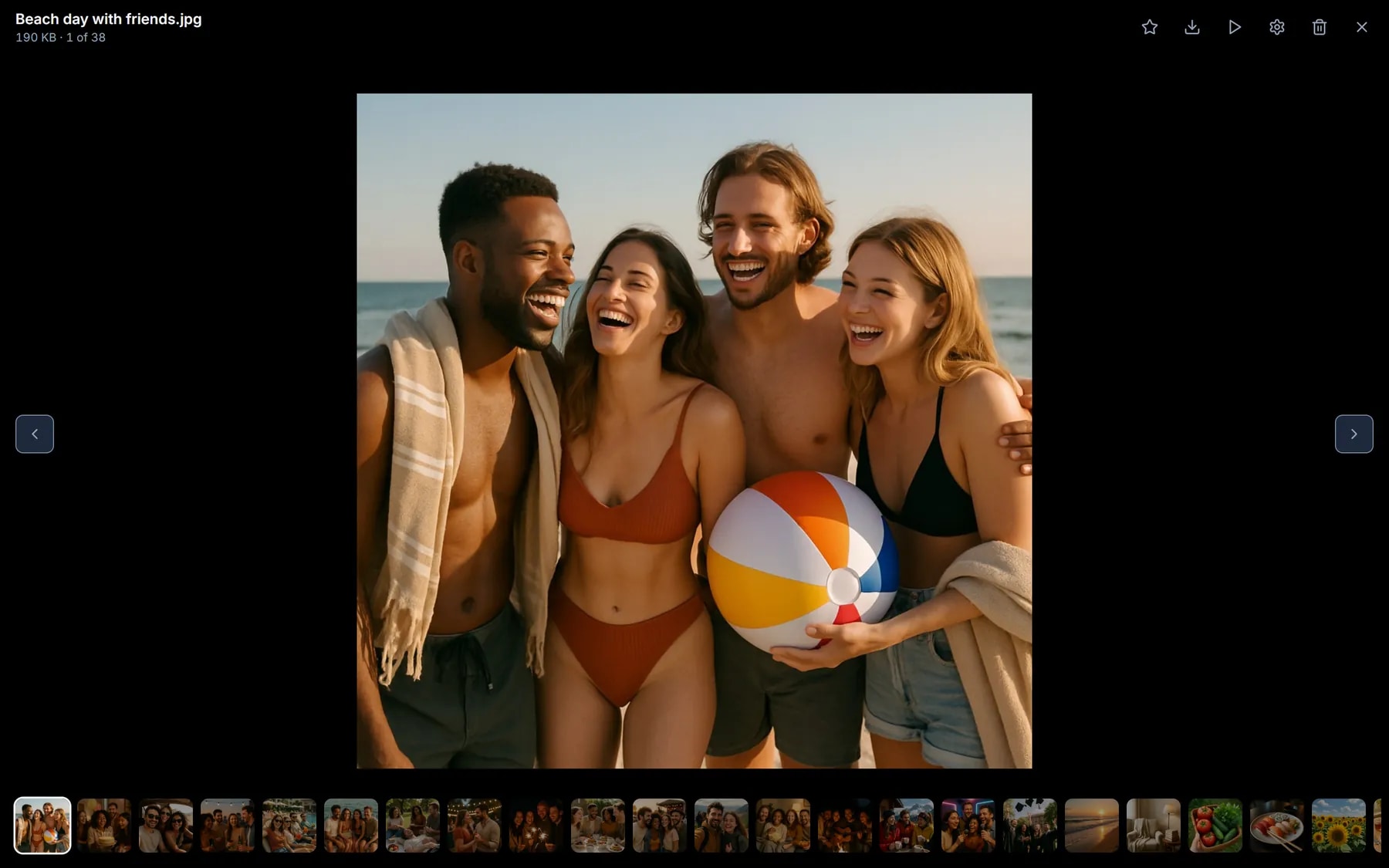
Keep the photos you’d never put in a normal cloud. They’re decrypted only on your screen, at full size, and videos play right in the browser.
- Thumbnails and previews are encrypted too
- Folders for trips, pets, family — whatever you like
- Slideshows, and videos up to 2 GB
The papers you can’t lose.
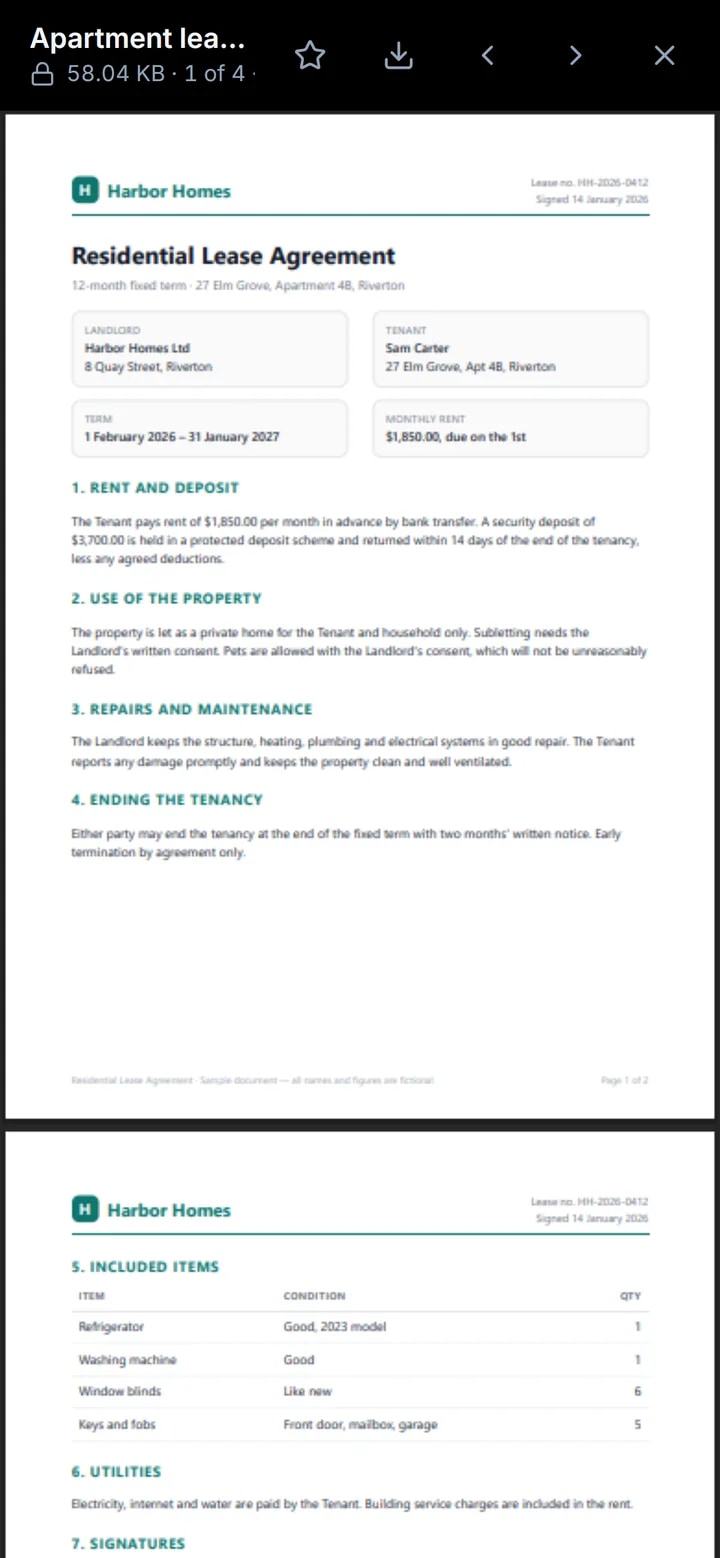
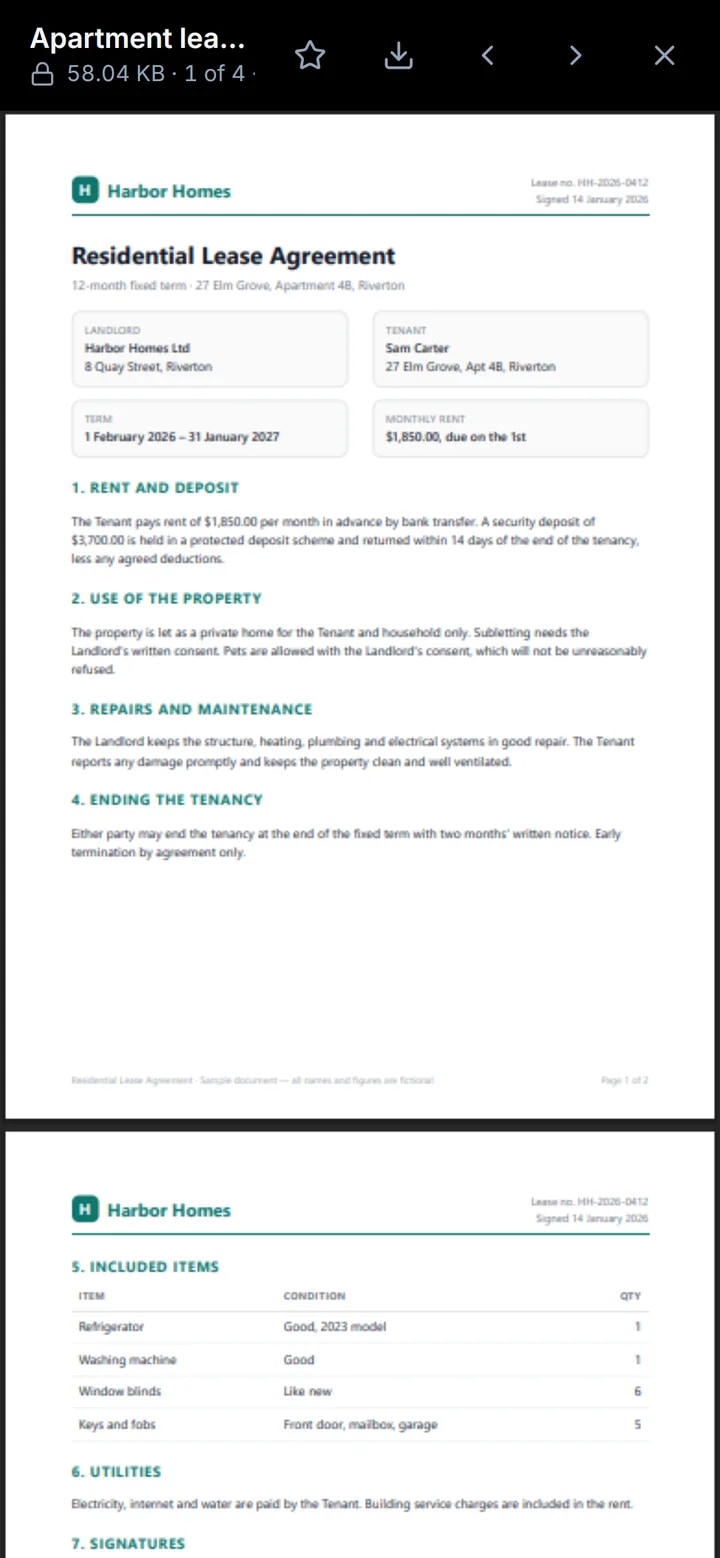
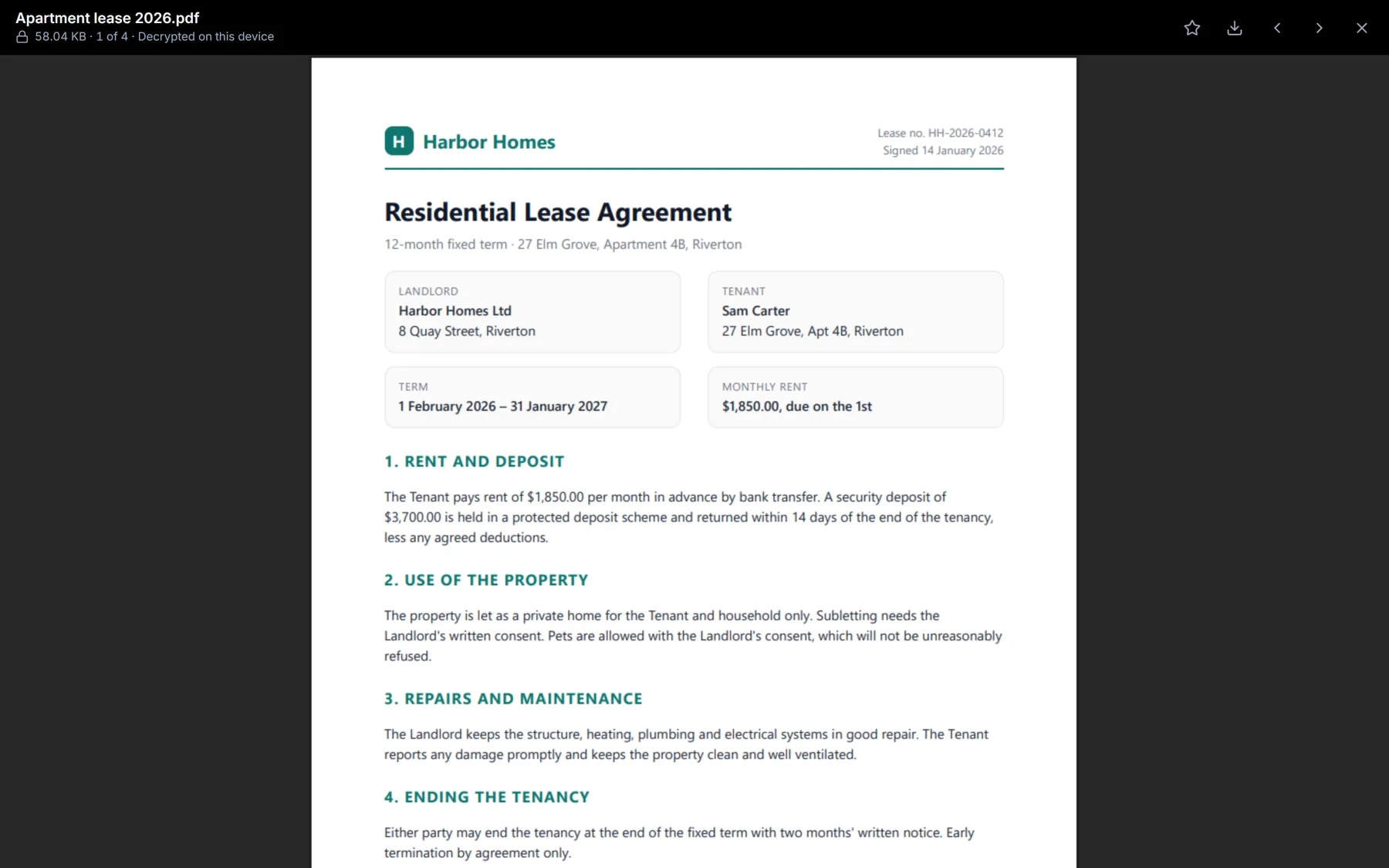
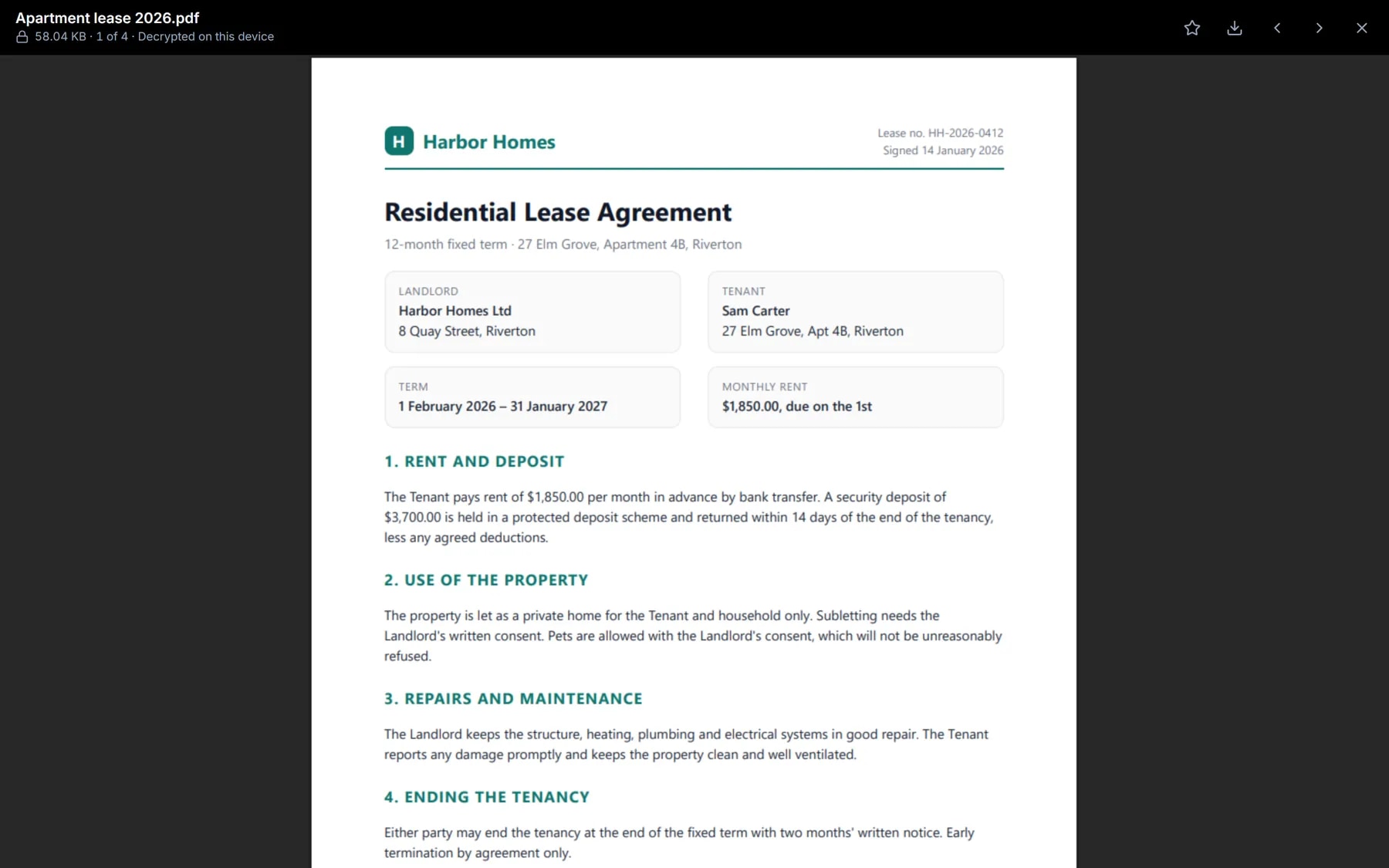
Leases, insurance, tax returns, medical results. Put them in a drive of their own and open them in place, without downloading a readable copy anywhere.
- PDFs open right inside the drive
- File names are encrypted, not just the contents
- A separate password for each drive, if you want one
Share a file, not your keys.
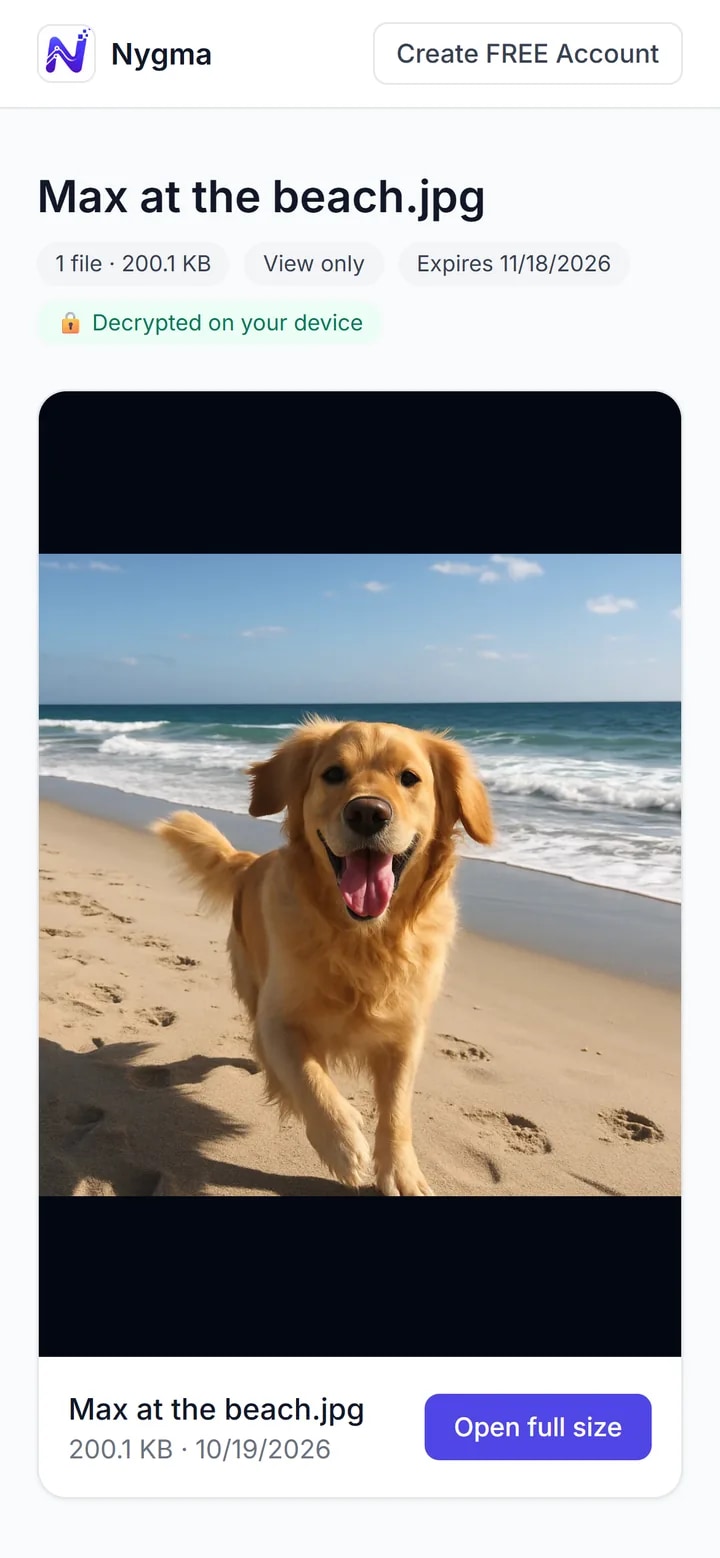
Send a link to a photo, a video, a document or a whole folder. Add a password, let it run out after a day or a month, and switch it off whenever you like.
- View only or download
- Expires after 1, 7 or 30 days — or never
- They need no account: it opens in their browser
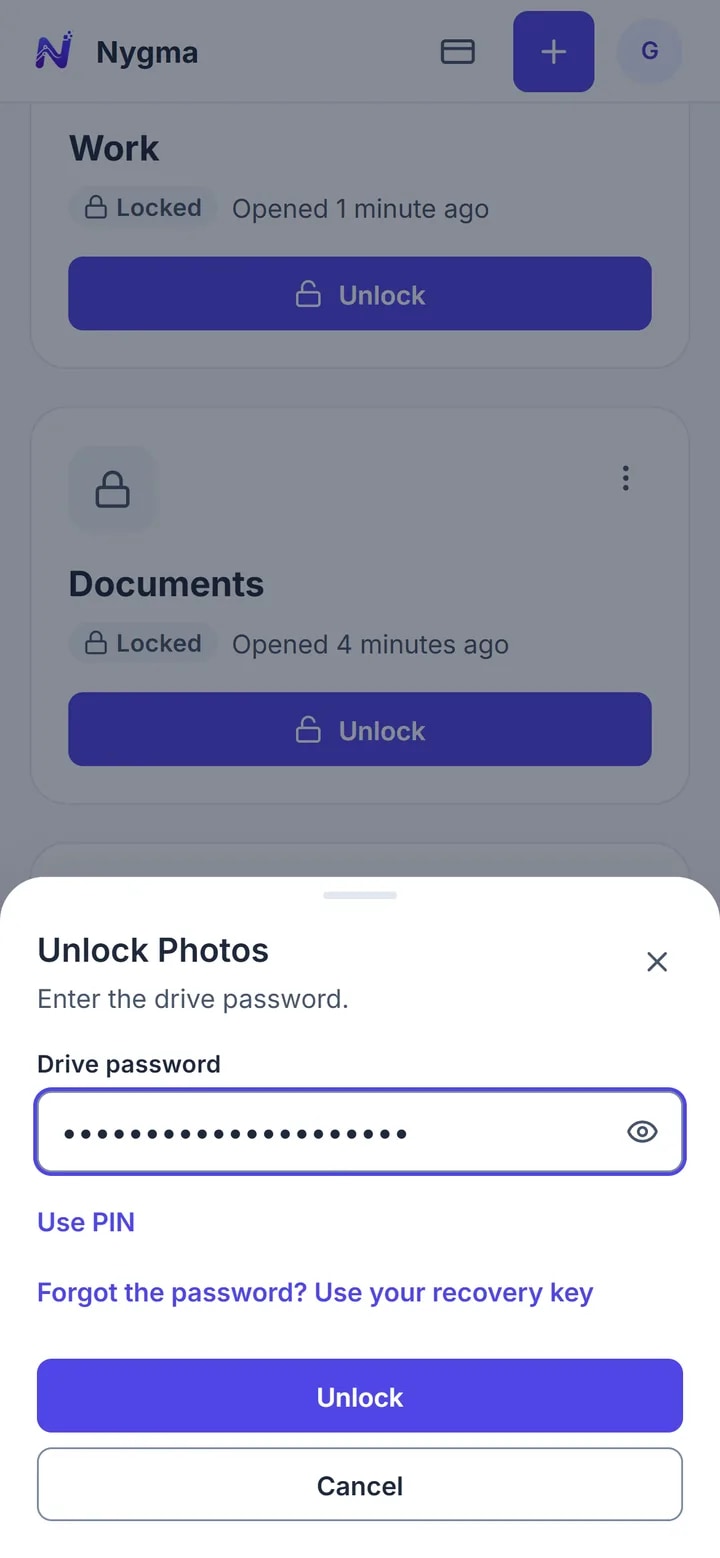
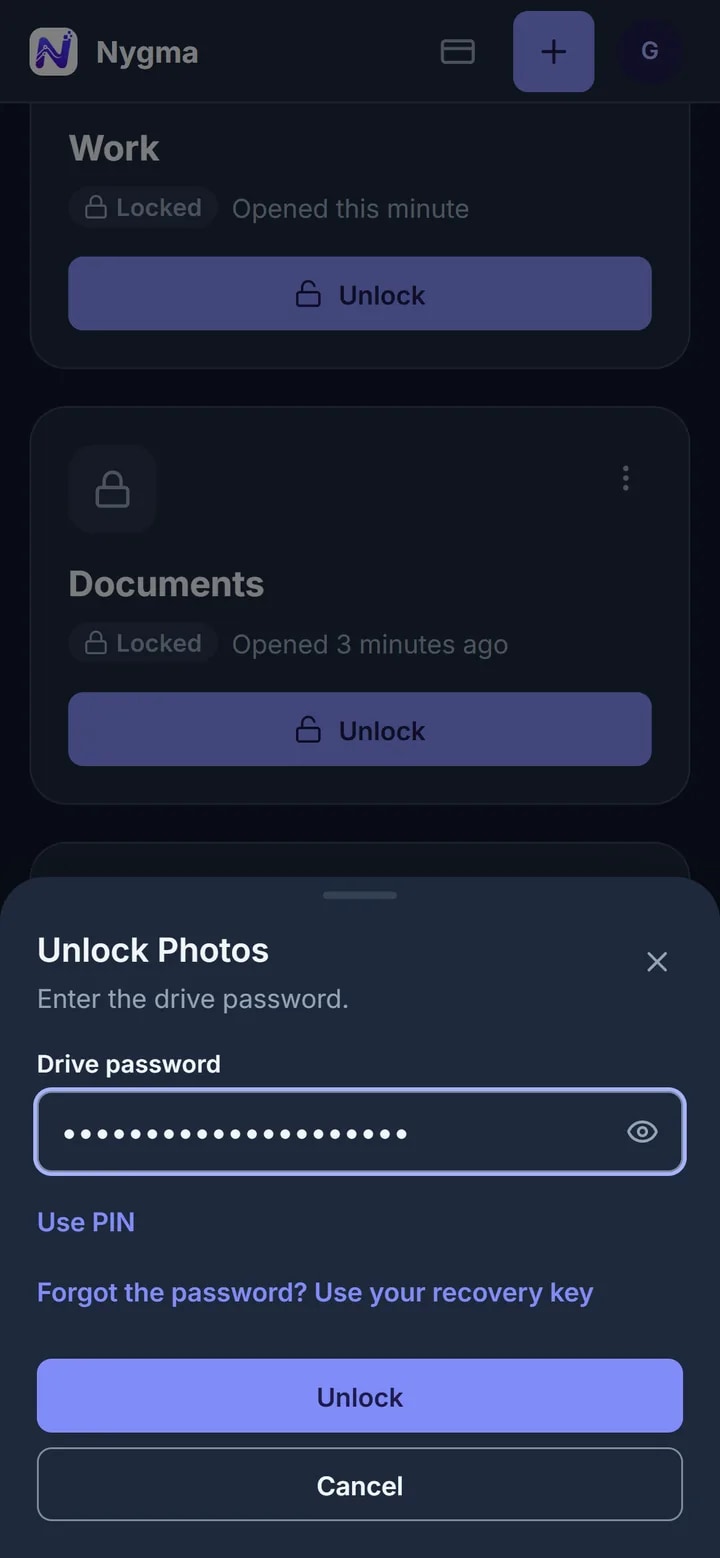
Open in a second. Locked the rest of the time.
Set a six-digit PIN for a drive on the devices you use every day. Five wrong guesses pause the PIN, and only the full password opens the drive.
- Each device has its own PIN
- Your password still works everywhere
- Lock all your drives with one click
Advanced protection
If someone makes you open it, they see something else.
Give your drive a second password. If you’re ever forced to unlock it — at a border, in a relationship, anywhere — that password opens a separate everyday drive instead, and nothing on screen says which password was used.
How Advanced protection works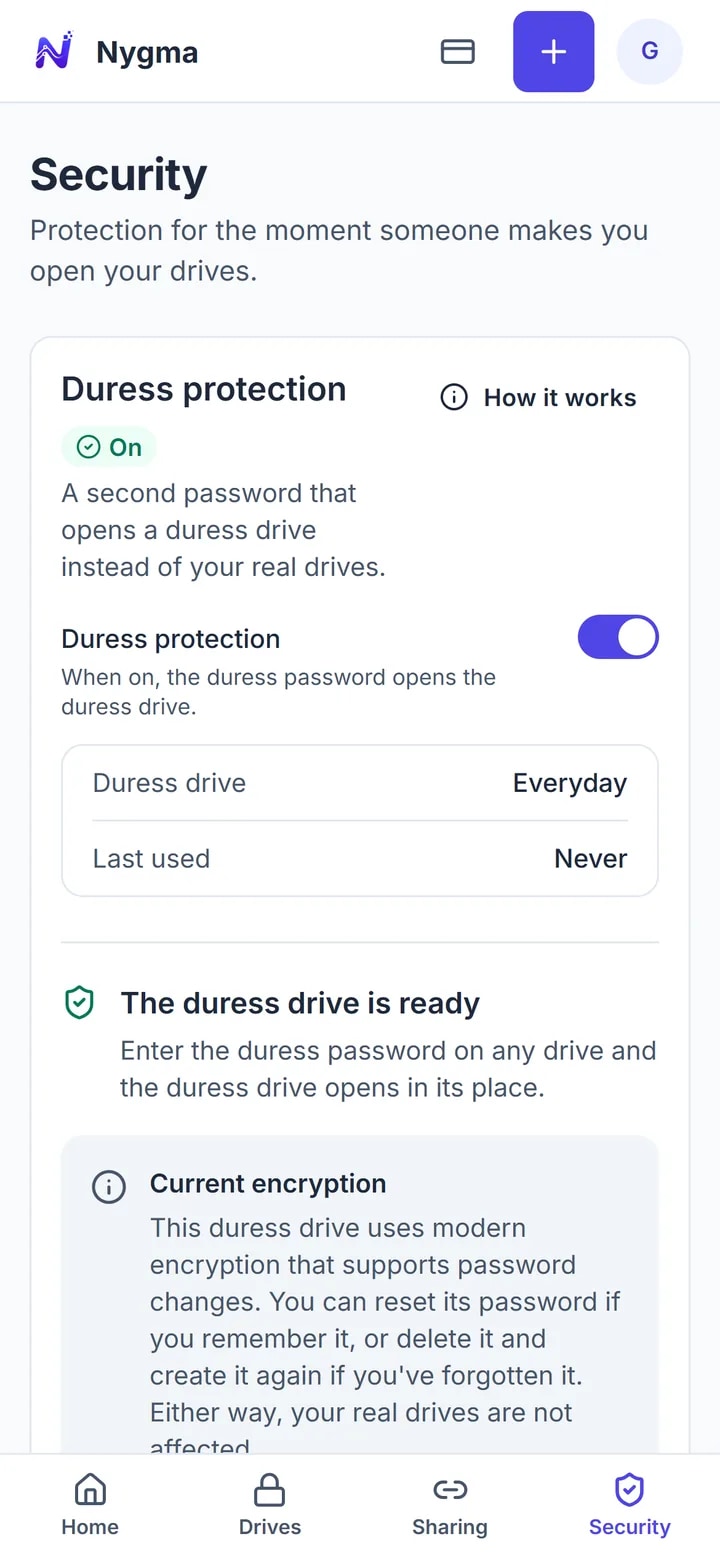
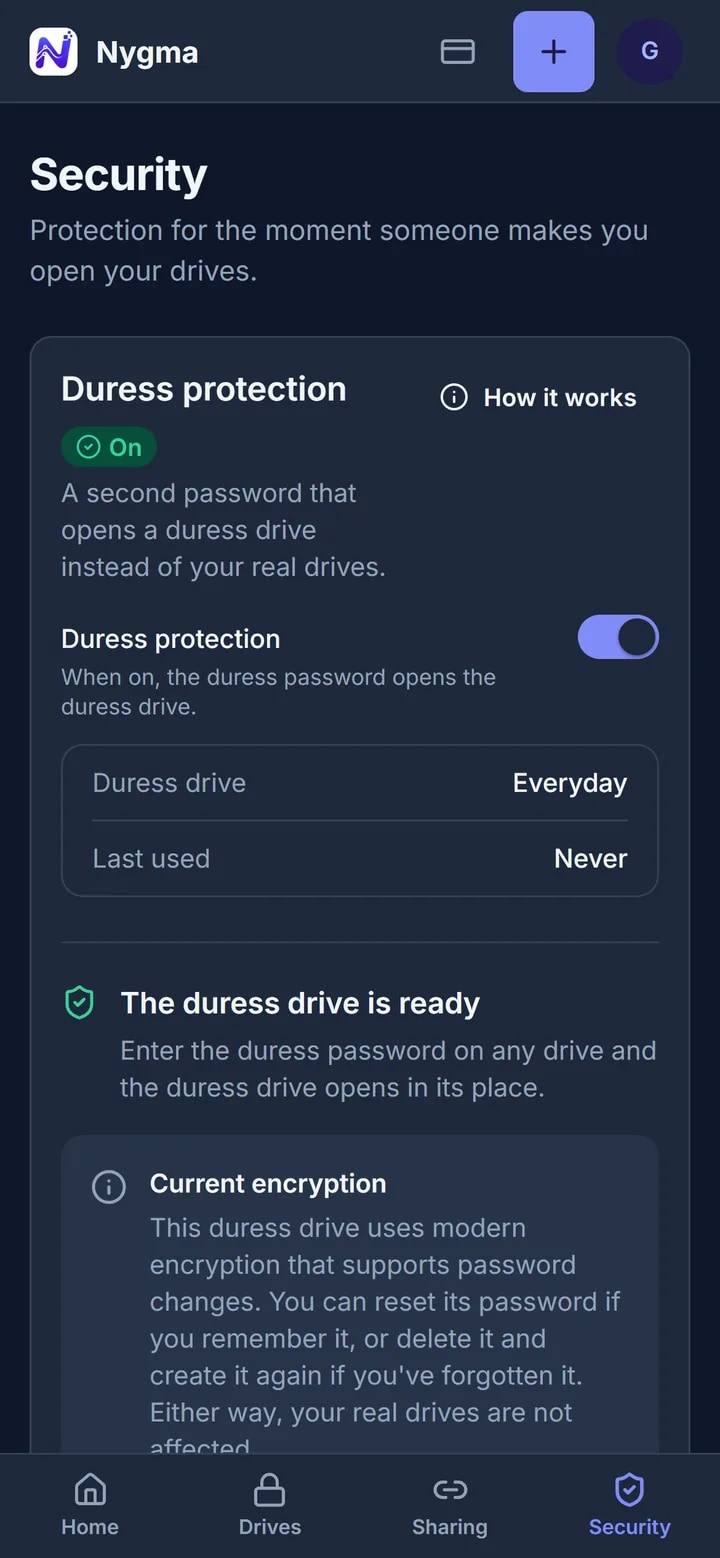
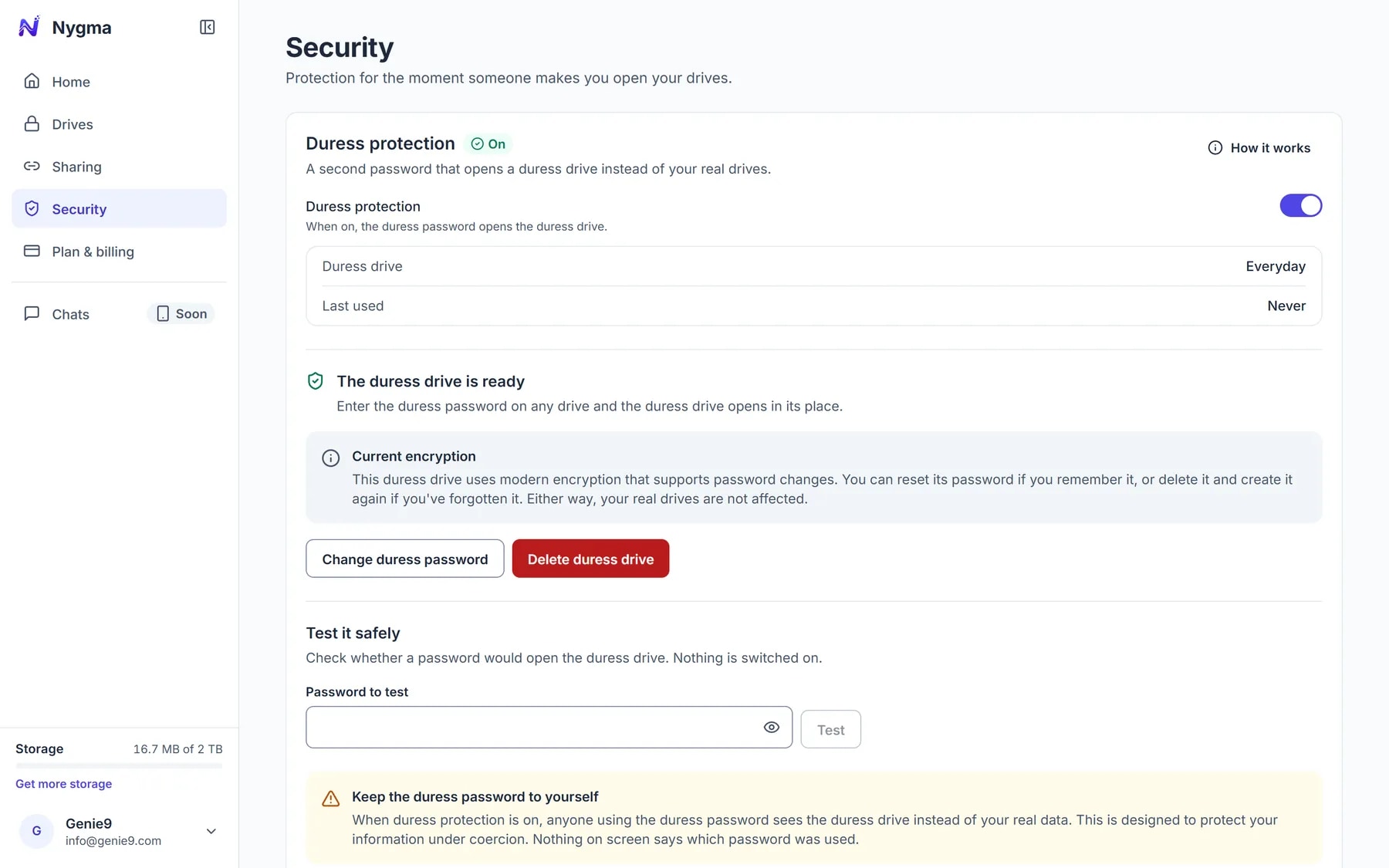
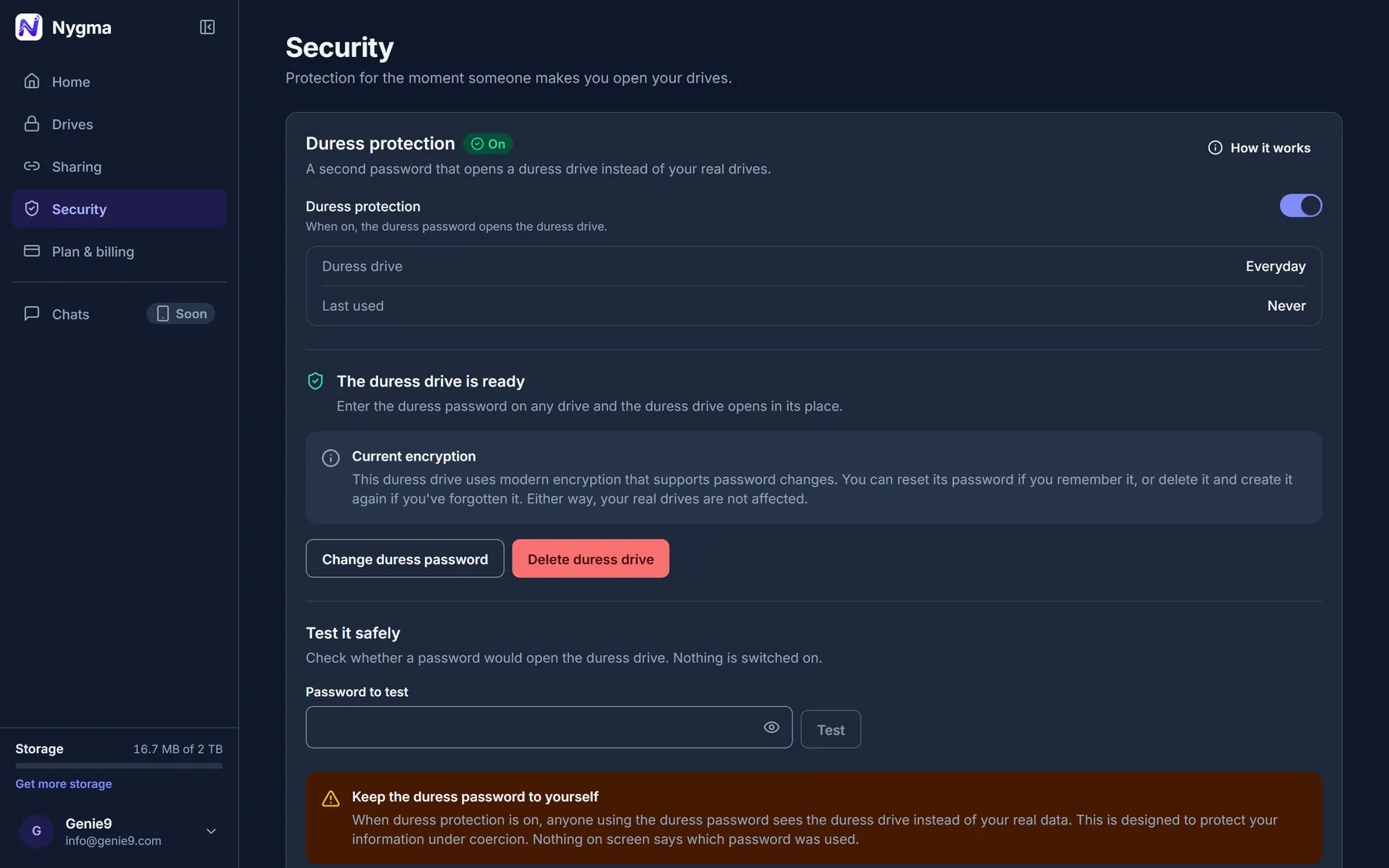
Advanced protection is a technical feature, not legal advice: the law in some countries requires you to disclose passwords. Know your local law.
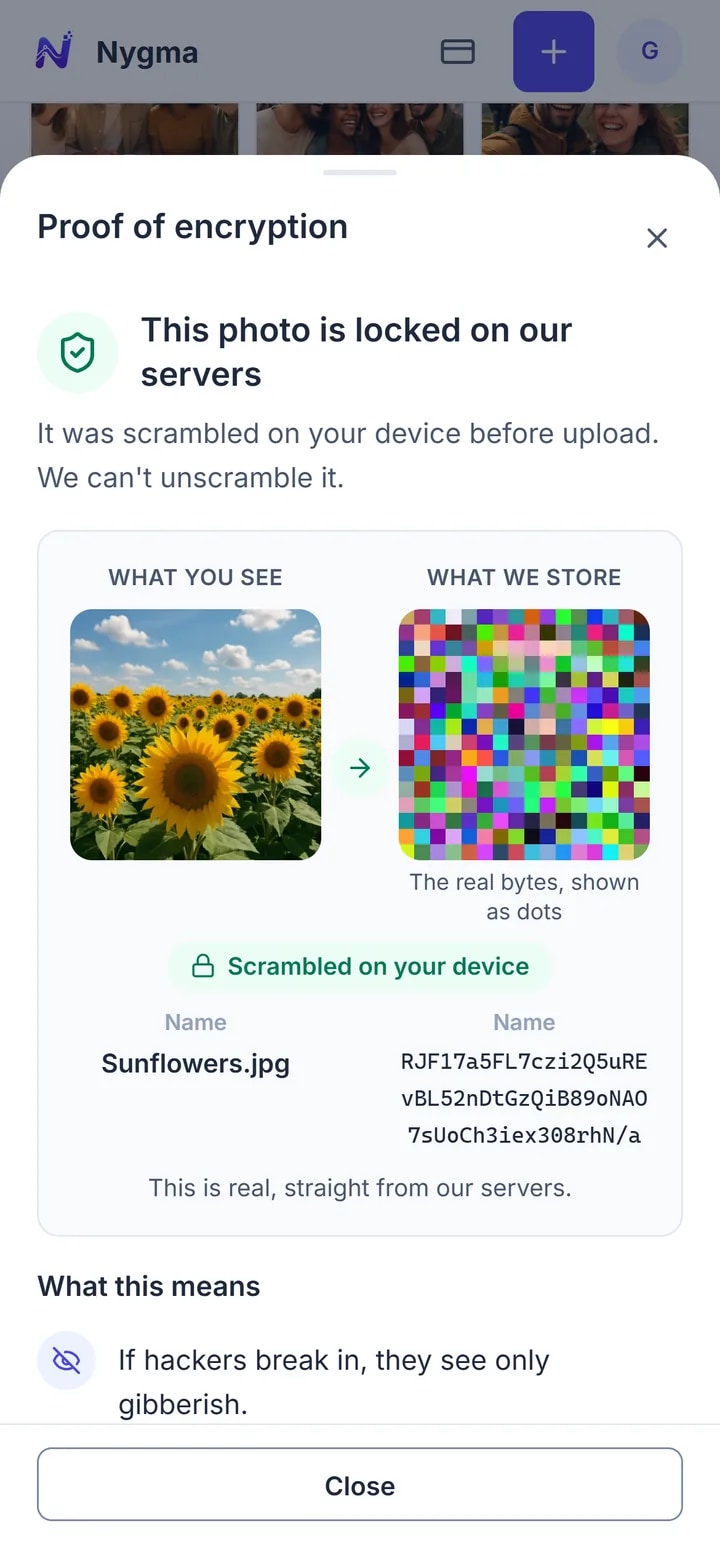
Don’t take our word for it.
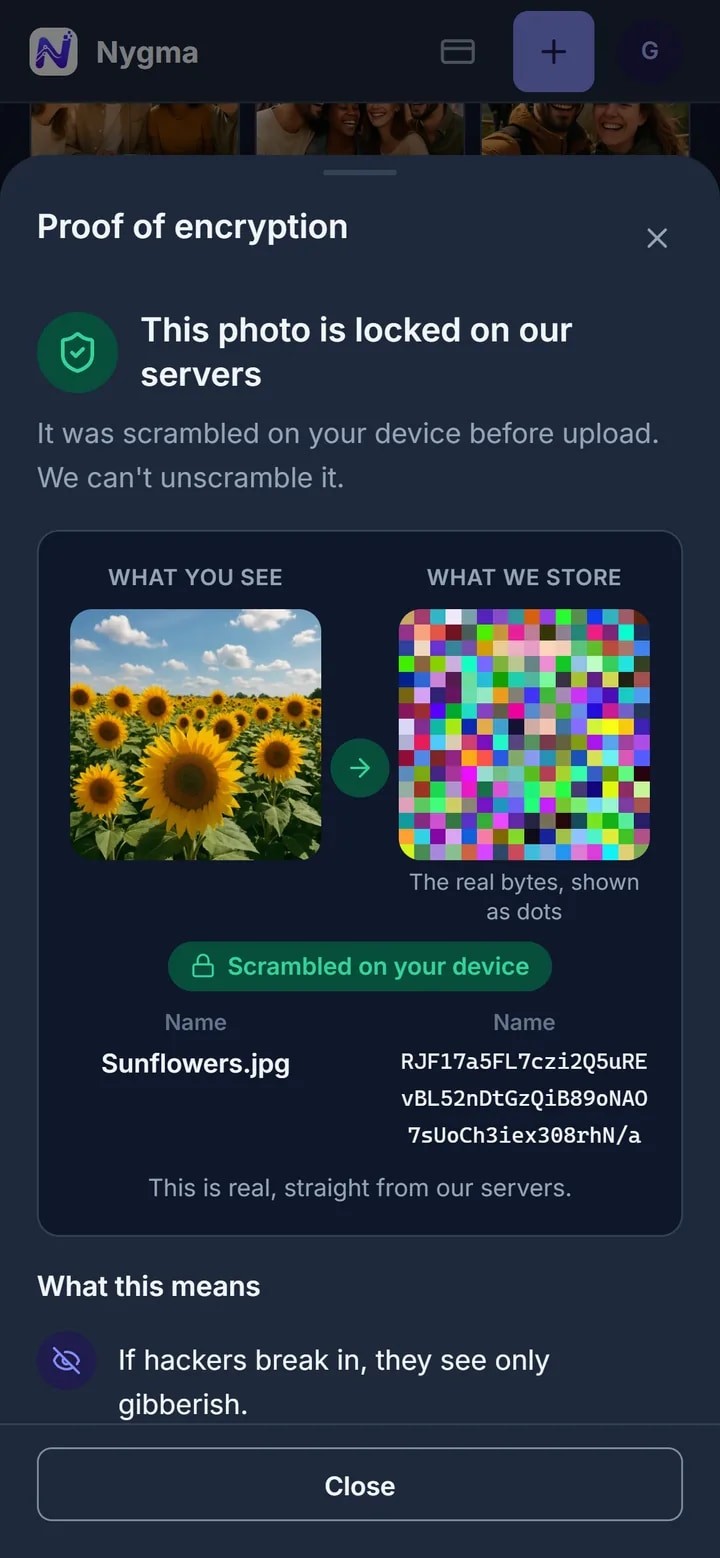
Open any file’s menu and see exactly what our servers hold for it: scrambled bytes, next to the real thing on your screen. Encryption you can check for yourself.
- Works on every file, on every plan
- Shows the stored data, byte for byte
- Nothing readable ever leaves your device
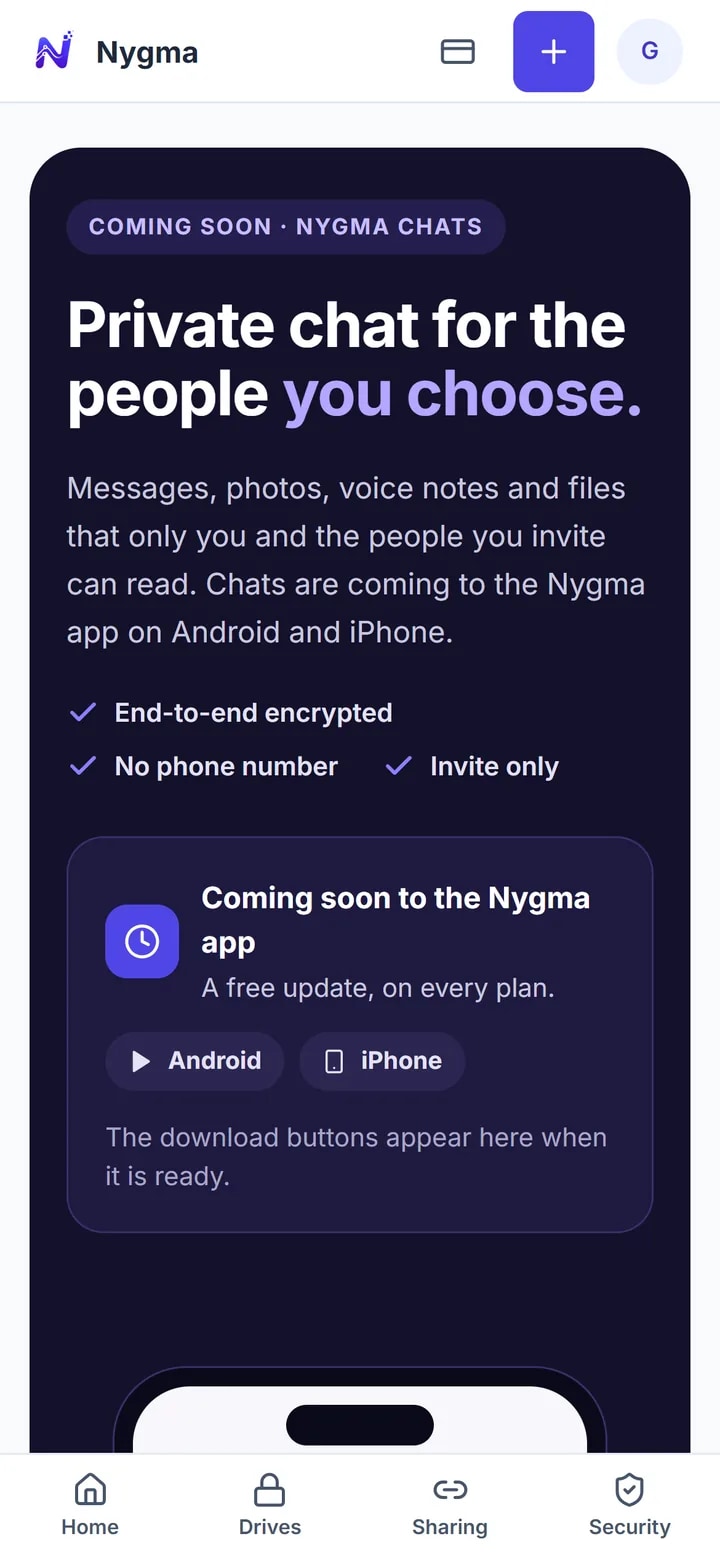
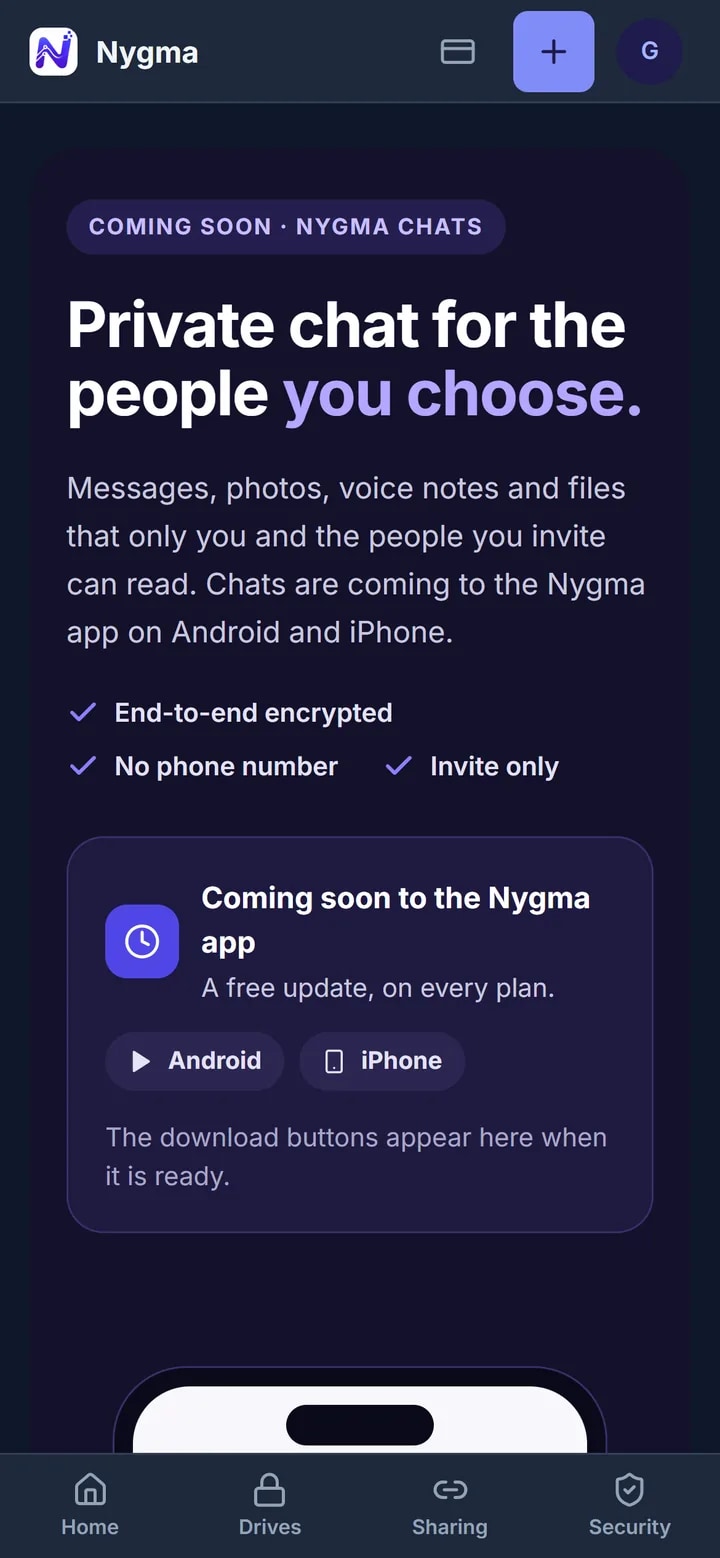
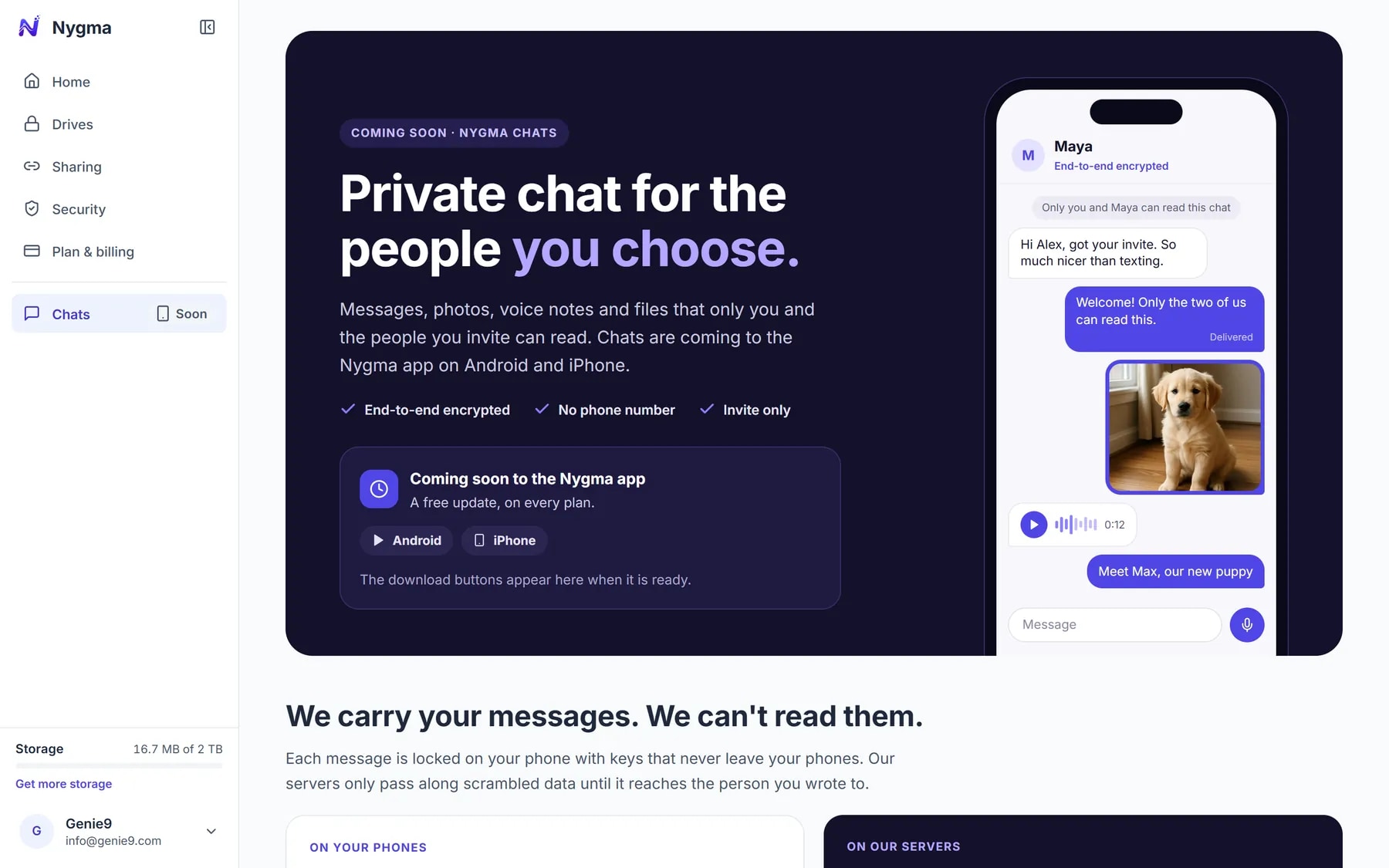
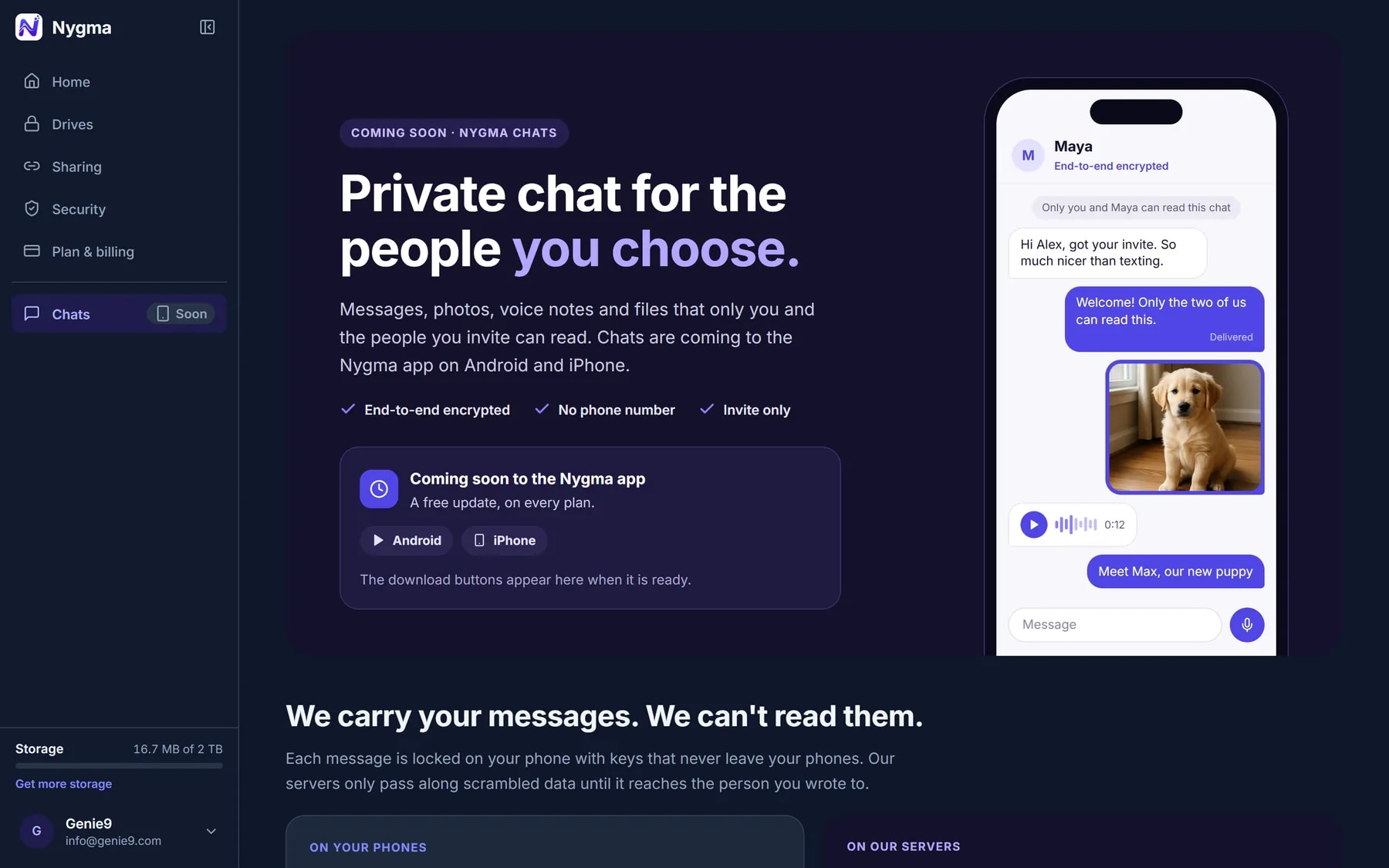
Messages only you and your people can read.
Nygma Chat comes with the Android and iPhone apps: end-to-end encrypted conversations with the people you invite, with photos and files as big as your plan allows.
- Invite people in person or with a link
- Free on every plan
- Coming very soon to Android and iPhone
Security, in plain words
Private by design. Not by promise.
We built Nygma so that we can’t read your files, even if we wanted to. Here is what that means day to day.
Locked before upload
Your files, their names, previews and details are encrypted on your device. We only ever store scrambled data.
We can’t look
We never have your drive password, so we can’t open your files. Not for a hacker, not for us, not even with a court order.
Your recovery key
Every drive comes with 24 words that reset its password. Nobody else has them, so nobody else can get in.
Locks itself
Drives lock after a quiet spell and when you sign out. Lock everything with one click when you step away.
Two-step sign-in
Add an authenticator app, and a code from your phone is needed on top of the one we email you.
Trash for 30 days
Deleted something by mistake? It waits in Trash for 30 days before it is gone for good.
Plans
Start free. Grow when you need to.
Every plan has the same encryption, sharing, Quick PIN and two-step sign-in. Bigger plans add space, drives, larger files and Advanced protection.
| Plan | FreeFreefor good | Light$19.99per year | Personal$4.99per month, or $49.99 a yearMost popular | Professional$14.99per month, or $149.99 a year | Power$39.99per month, or $399.99 a year |
|---|---|---|---|---|---|
| Storage | 4 GBUp to 10 GB when friends join | 100 GB | 500 GB | 2 TB | 6 TB |
| Encrypted drives | 1 | 3 | 3 | 5 | 10 |
| Largest file | 100 MB | 500 MB | 1 GB | 2 GB | 2 GB |
| Advanced protection |
Questions
Good to know.
Can Genie9 see my files?
No. Your files are encrypted on your device with a key made from your drive password, and that password never reaches us. Our servers only hold scrambled data. We can’t open it, and we couldn’t hand it over readable even with a court order.
What happens if I forget my drive password?
Use the drive’s 24-word recovery key to set a new password. Keep it safe: if both the password and the recovery key are lost, nobody — including us — can open that drive again.
Is there a phone app?
Nygma for Android and iPhone is coming very soon, with offline drives, App Lock and Nygma Chat. Today Nygma works in any modern browser, on your computer or your phone.
What is Advanced protection?
A second password for your drive. If someone ever forces you to open it, that password opens a separate everyday drive instead, and nothing on screen says which password was used. It comes with the Professional and Power plans.
How big can a file be?
Up to 100 MB on Free, 500 MB on Light, 1 GB on Personal and 2 GB on Professional and Power.
Is Nygma really free?
Yes. Free gives you 4 GB and one drive for as long as you like, with no card. Invite friends and you both get 500 MB more each time, up to 10 GB.
Nygma for Android and iPhone is almost here.
Android iPhoneComing very soonWhat’s new in Nygma 1.0 →Your private space is one minute away.
Sign in with your email, make a drive, and put the first thing you’d hate to lose inside.
4 GB free, up to 10 GB with friends. No card. Works in your browser today.