Nygma for Android and iPhone · On Google Play now · iPhone coming soon
Get Nygma on your phone.
Your encrypted drives, your photos and private chat, locked on the phone in your hand. Free to download, with the same account you use on the web.
Scan with your phone.
On iPhone? We’ll email you the day it’s in the App Store.
- Android 7.0 or later · iPhone with iOS 16.4 or later
- Sign in with your email, no password. Prefer your computer? Drives open at nygma.genie9.com.
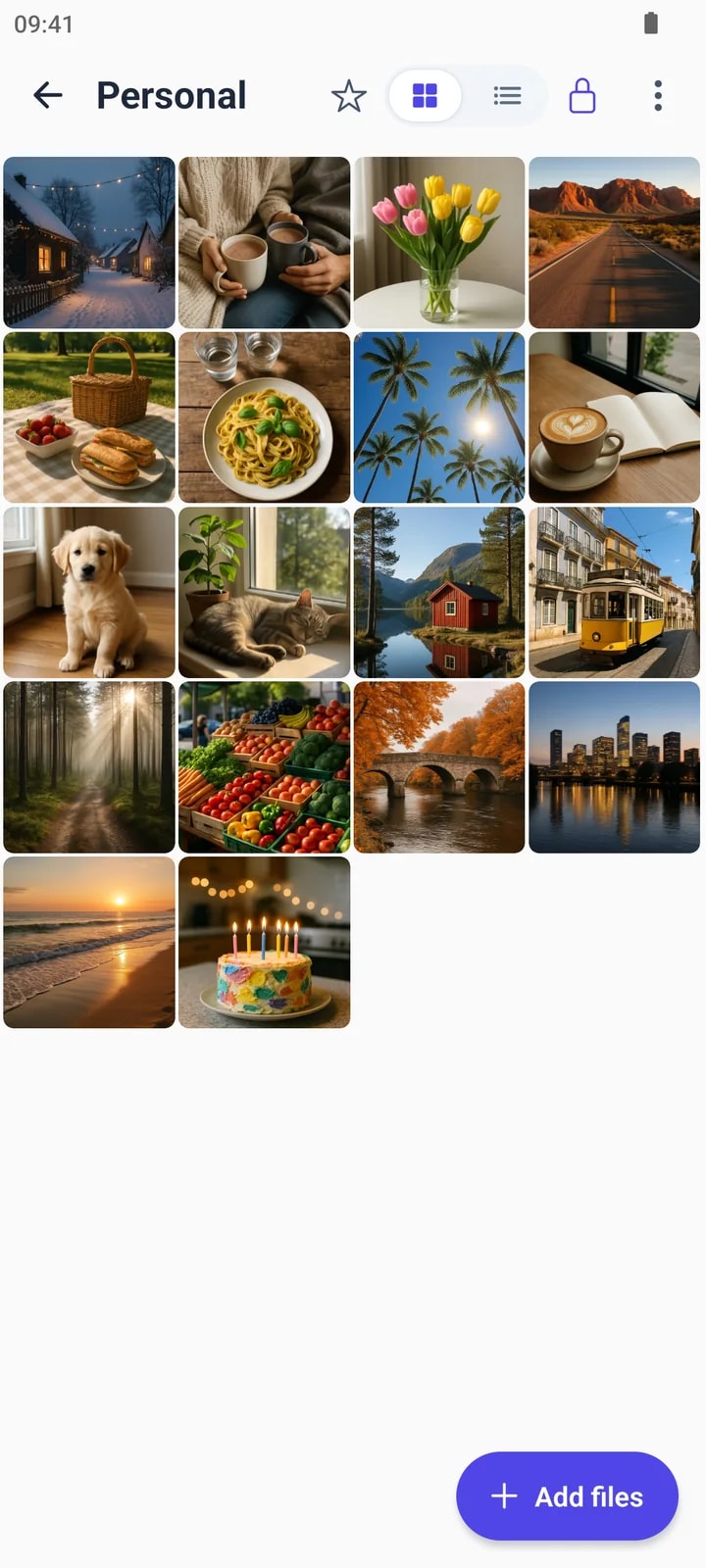
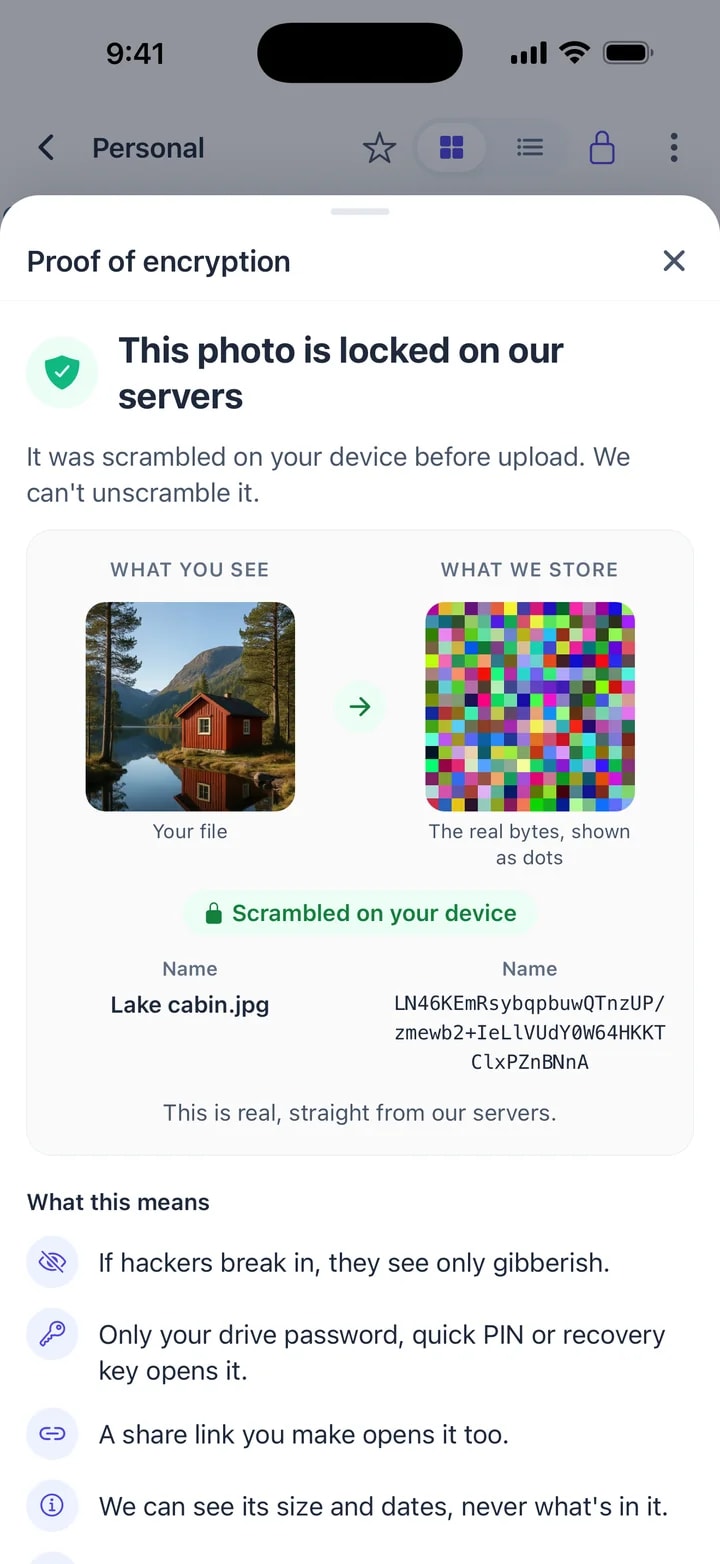
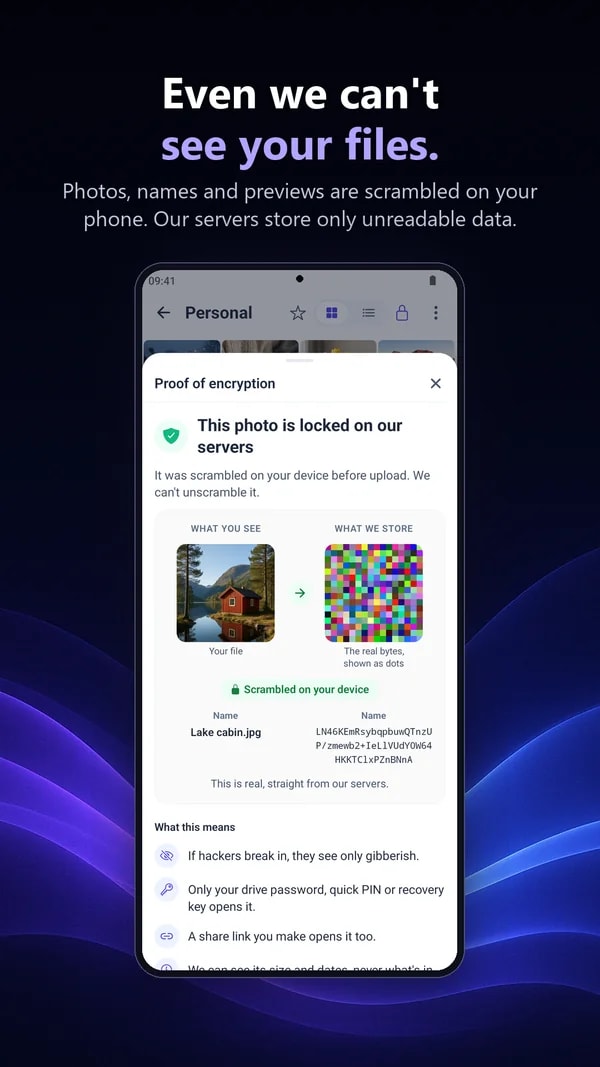
Screenshots
Have a look inside.
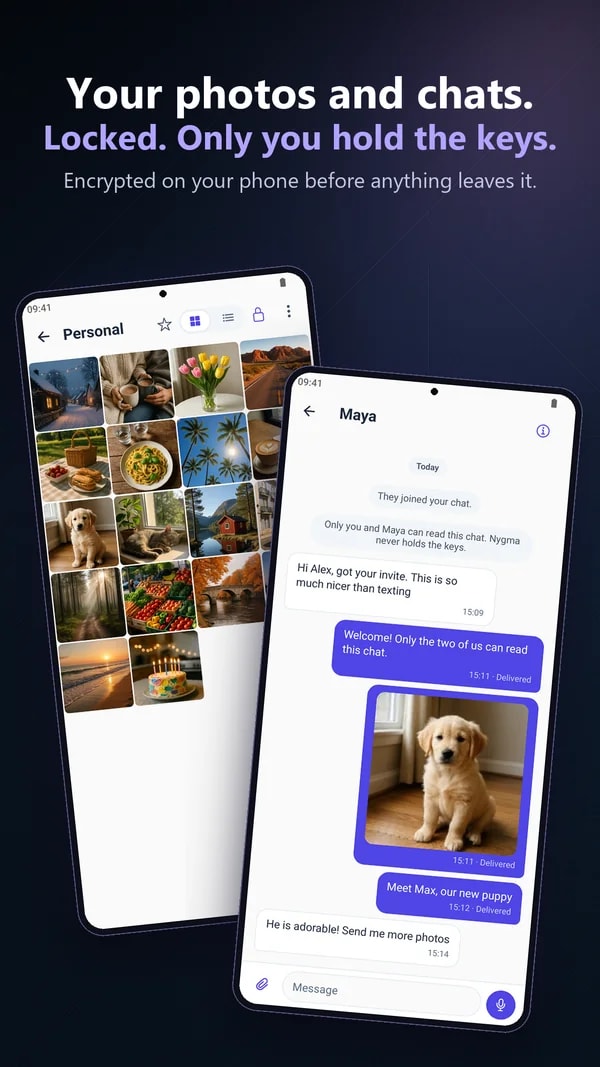
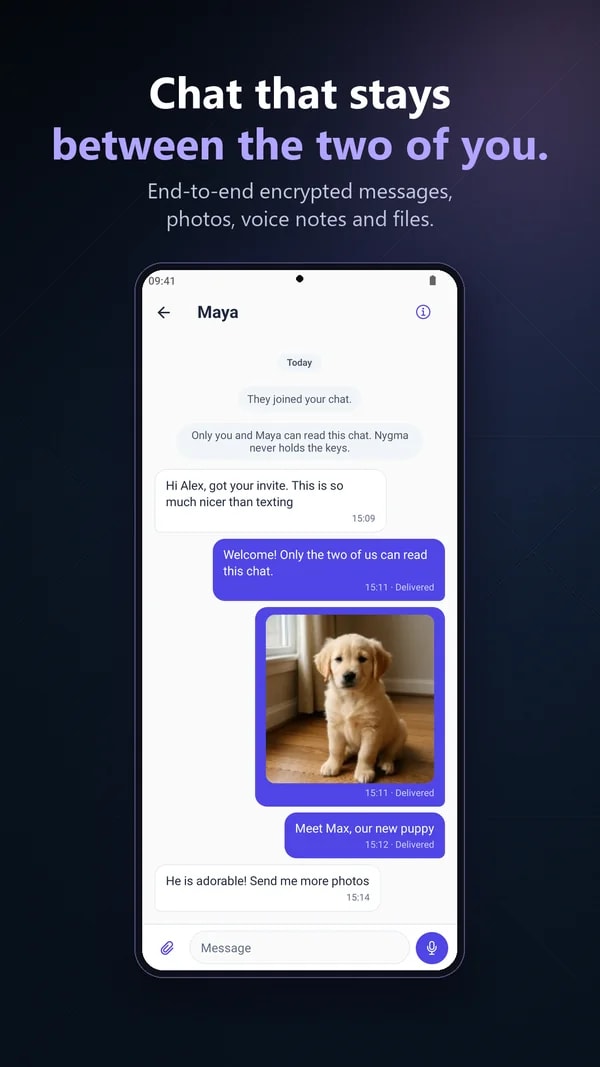
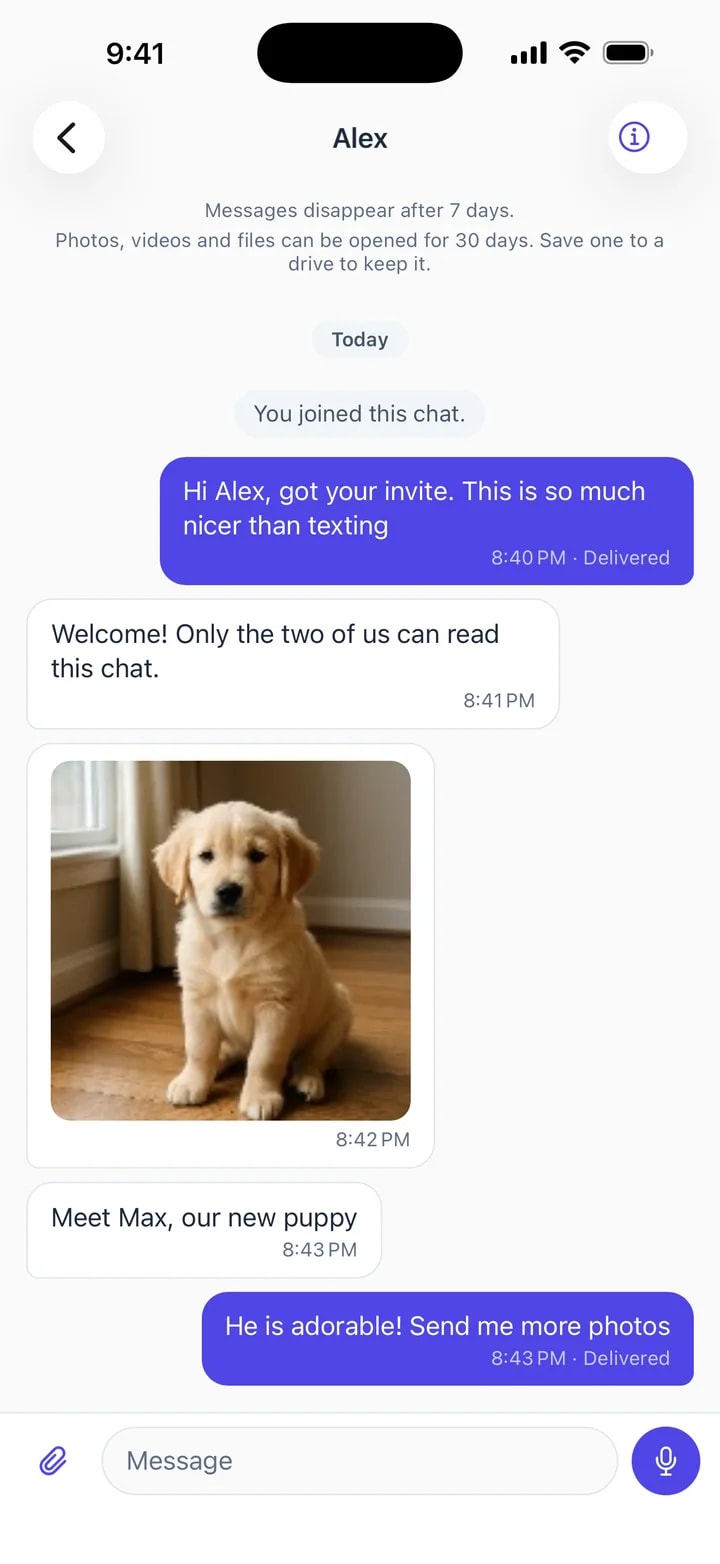
Messages only the two of you can read.
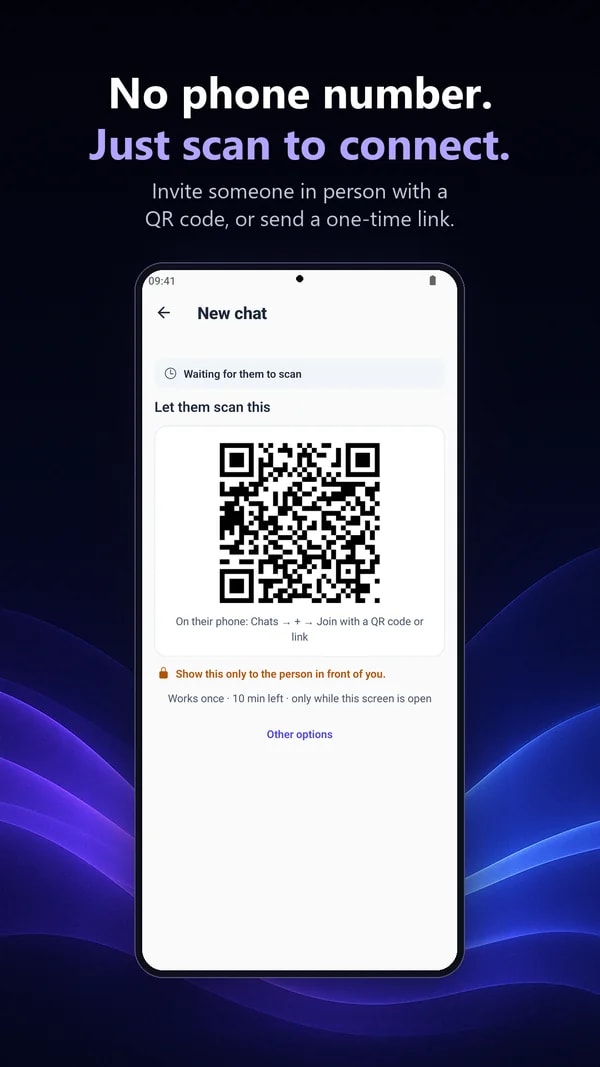
Nygma Chat is end-to-end encrypted and invite-only: no phone number, no directory, nobody can look you up. Invite someone in person with a QR code, or send a link and tell them a code another way.
- Messages, photos, videos, files, voice notes and your location
- Messages disappear after 7 days by default — or 24 hours, 30 days, or never
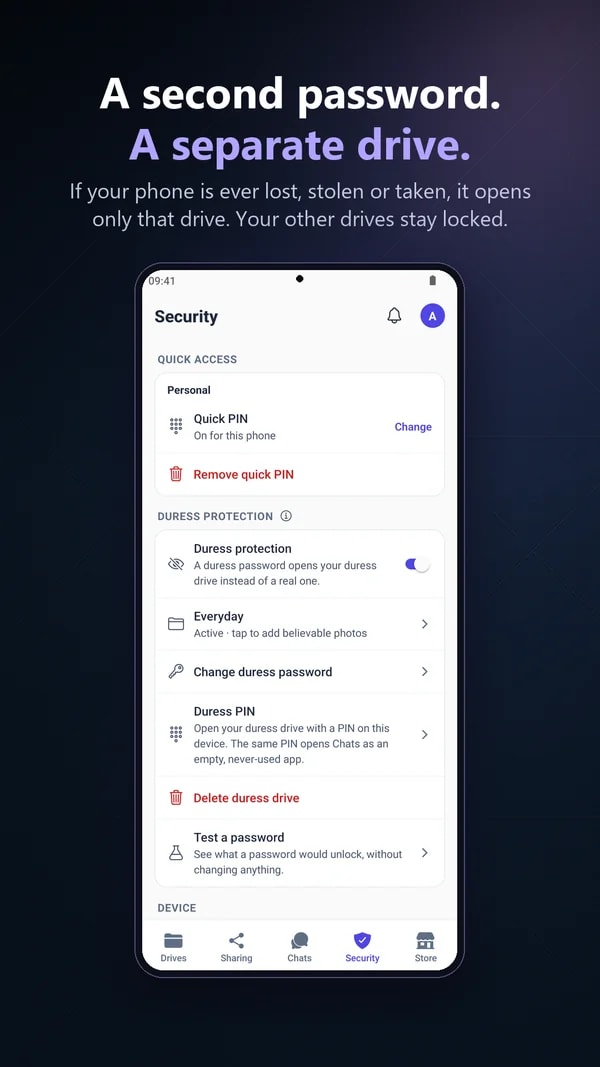
- Chats have their own PIN, on every plan
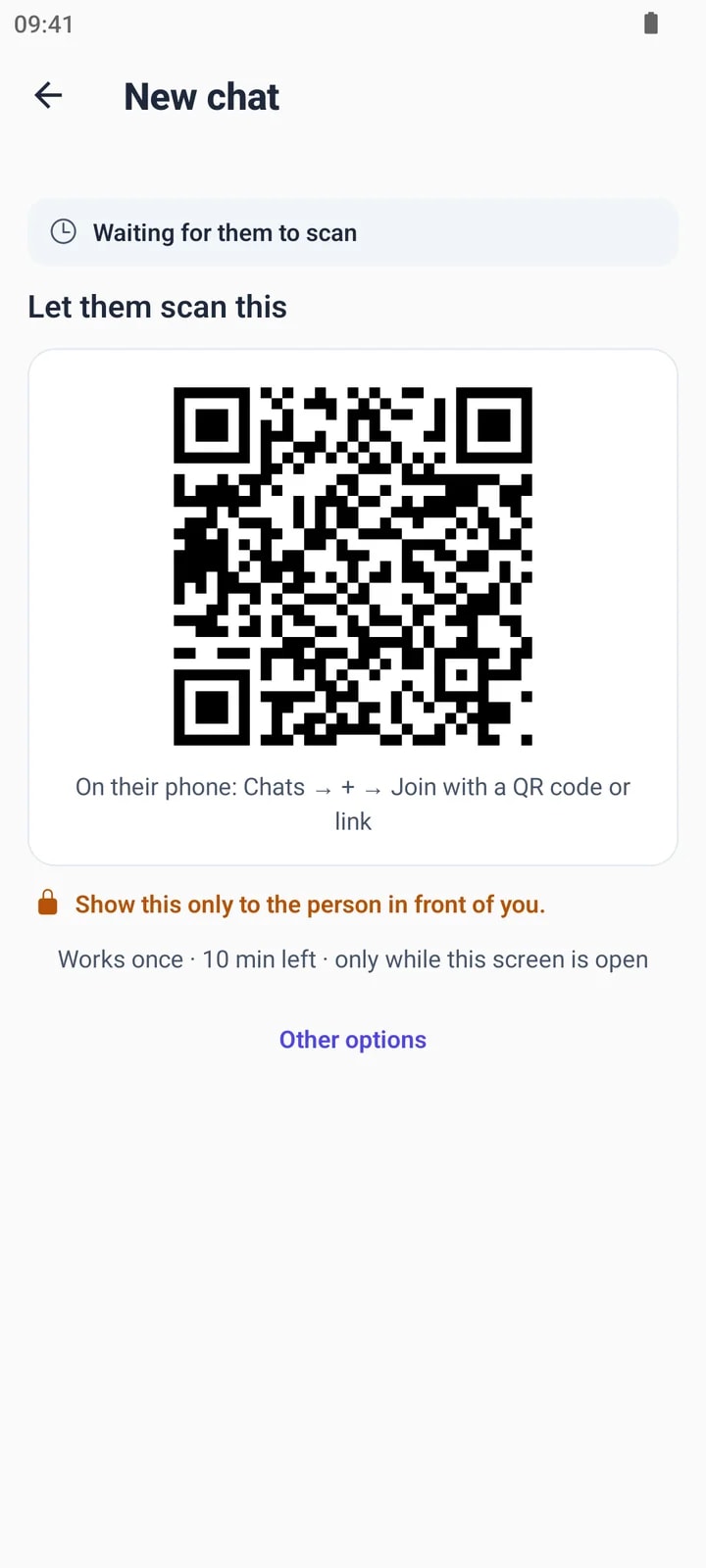
Scan, and you’re talking.
Show a one-time QR code to the person in front of you. It works once, for ten minutes, and only while the screen is open.
- No phone numbers swapped
- Not in front of them? Send a link plus a 6-digit code
- Remove someone with one tap
Made for every day
Everything a phone should do. Privately.
Move photos in
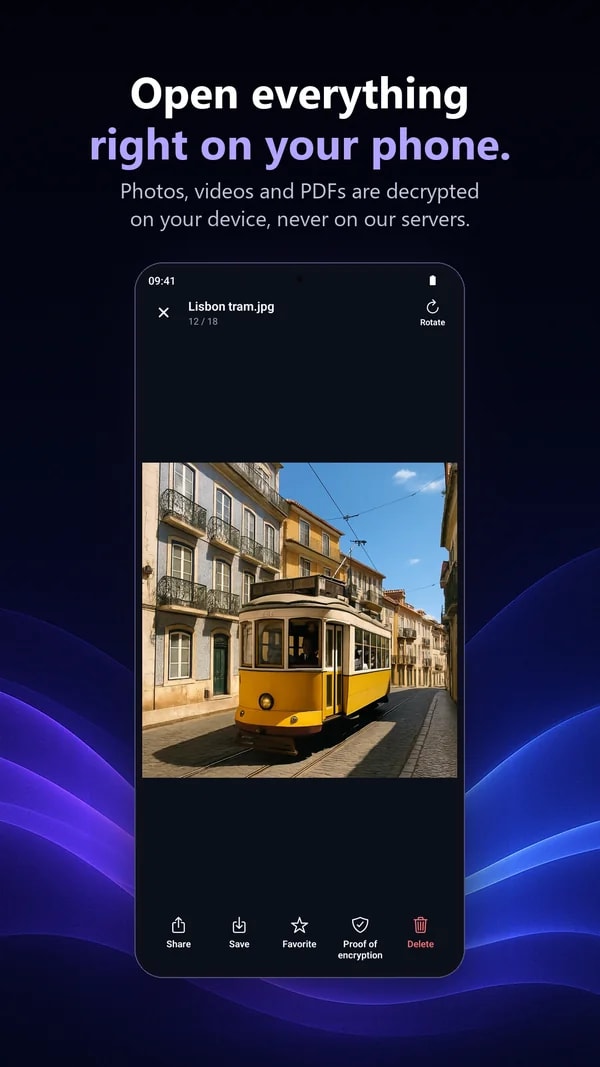
Pick photos and videos from your gallery, lock them in a drive, and remove the originals if you want.
Shoot straight in
Take photos and videos directly into a drive, or share files into Nygma from other apps.
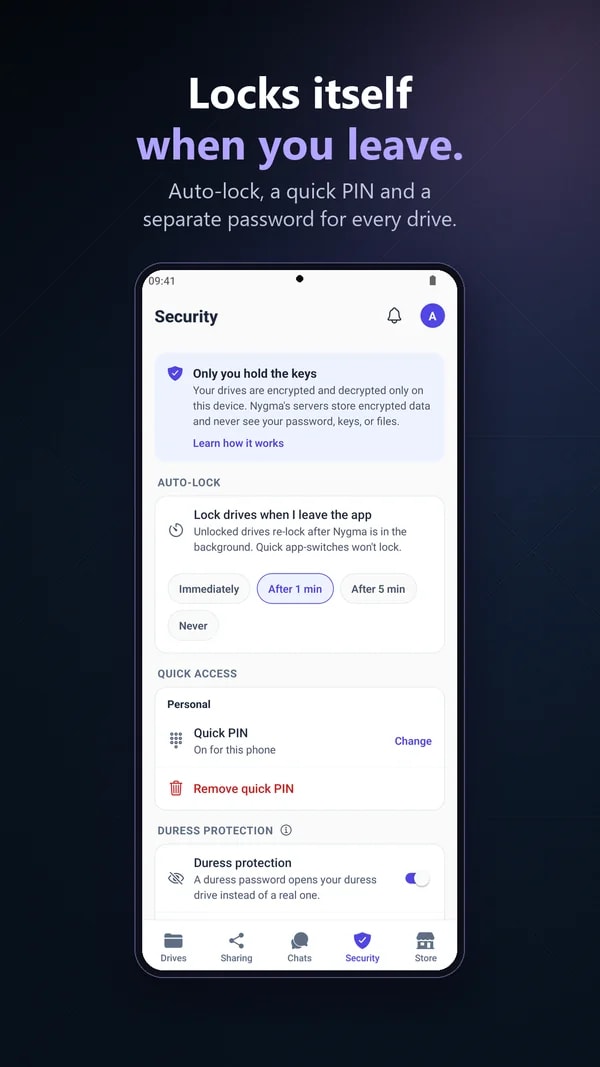
App Lock
Open the app with your fingerprint, face or screen lock. Drives also open with a 6-digit PIN.
Offline drives
Drives you have opened before work without a connection. New files upload when you are back online.
No screenshots
An optional setting blocks screenshots and screen recording while a drive or chat is open.
Same account on the web
Everything in your drives is there at nygma.genie9.com too. Chats stay on your phone.
Get Nygma on your phone.
Free to download. Sign in with the account you already have, or make one in a minute.
4 GB free, up to 10 GB with friends. No card. No phone number.