Free disaster recovery for Windows and Linux.
Image the whole machine. Restore it to different hardware.
Images land on your own disk, USB or NAS. Ransomware canary and bootable recovery USB included.
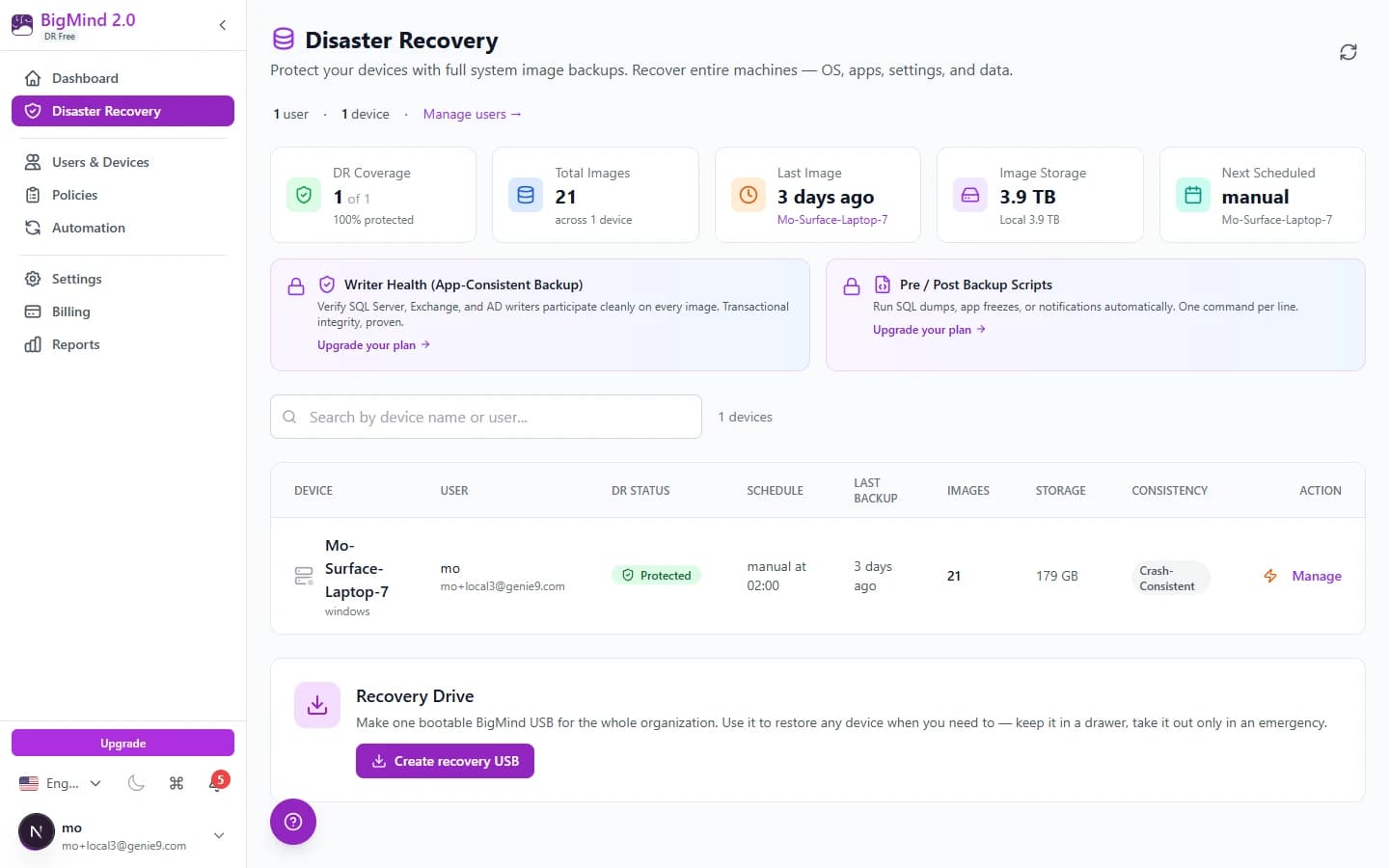
What you get at $0
One user, one device — the full engine, not a demo.
Block-level whole-machine imaging
OS, apps, settings, data. Changed blocks only after the first image.
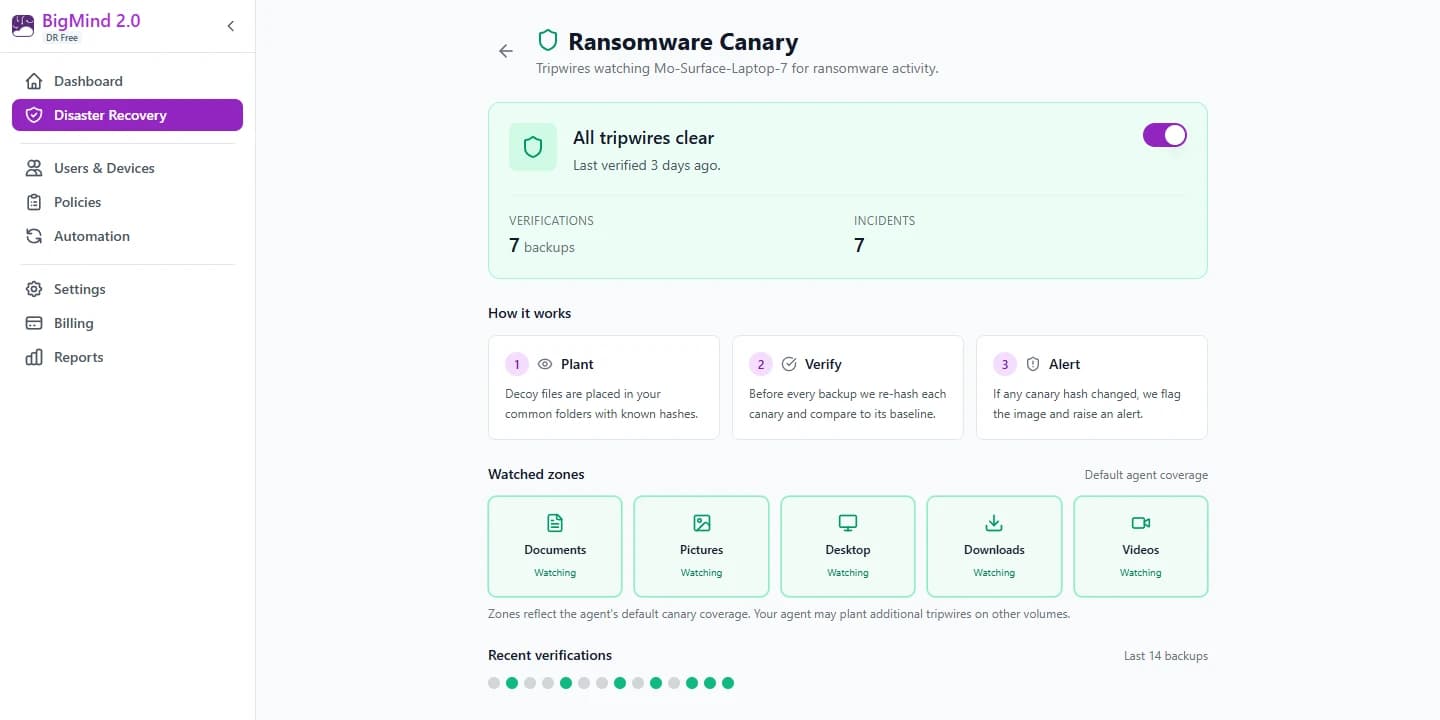
Ransomware canary, free
Decoys re-checked every backup. Tampering freezes the chain.
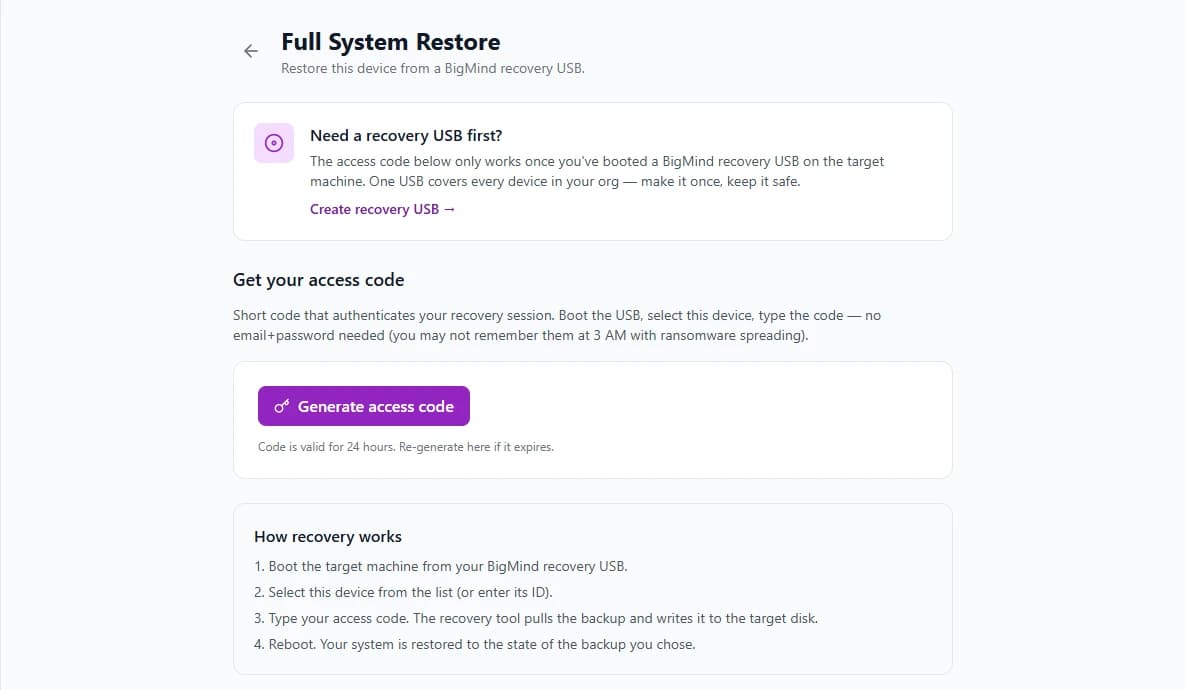
Restore to new hardware
Boot our USB, drivers injected offline. Different chipset is fine.
Your disk, USB or NAS
Images stay on your storage, AES-256 encrypted. Dashboard is cloud-side.
Replacing Macrium Reflect Free?
Macrium retired it in 2024. Here is the swap.
What we cover
- Block-level imaging with incrementals
- Cross-hardware USB recovery, free
- Canary that freezes the chain mid-attack
- One dashboard for every machine
What is different
- Free account and a cloud dashboard — not offline-only
- Windows and Linux only — no macOS
- Reflect images are not readable: take one fresh full image
Start free. Add seats later.
Flat yearly pricing — same price every renewal.
Need off-site copies and cloud recovery? That is BigMind Resilience, from $5/user/month.
Not installing anything today? Take the checklist.
Our SMB disaster recovery checklist as a printable one-page PDF — 14 checks across 4 sections, and nothing to install to work through it.
One machine, fully imaged, tonight.
Email address, install the agent, pick where images go.
Genie9, protecting data since 2006
Straight answers
Is the free tier actually free?+
Yes. 1 user, 1 device, daily images, 7 recovery points. Email address only — no credit card, no trial clock.
Where do my backups live?+
On your own internal disk, USB drive or NAS over SMB, AES-256-GCM encrypted. The dashboard and file catalog are cloud-side.
Can it restore to different hardware?+
Yes. Boot the recovery USB, drivers are injected offline, the image is restored. Allow 2–3 hours for a full machine.
Which systems are supported?+
Windows 10/11 (x64 and ARM64), Windows Server 2016+, and Linux on amd64. No macOS. 30 MB installer, admin or sudo rights.
Do I have to remove Macrium Reflect?+
No — run both. Reflect images are not readable by our agent, so nothing migrates: take one fresh full image and you are covered.