Get BigMind DR Free.
Email-only signup. No credit card. Your account is created at signup — the same email then signs the agent in. 1 user, 1 device — one machine, with 7 daily recovery points (7-day retention). Forever free.
Drop your email. Get the installer.
No credit card. Sign up, then download.
Single-page signup. Same email signs you in on the agent.
Pick your OS.
What you'll get after signup — download links appear in your dashboard, not on this page.
| OS | Installer | Size | Status |
|---|---|---|---|
| Windows 10 / 11 (x64) | BigMindDR-Windows-x64.msi | ~30 MB | Production |
| Windows 11 (ARM64) | BigMindDR-Windows-arm64.msi | ~30 MB | Production |
| Windows Server 2016+ | BigMindDR-Server.msi | ~30 MB | Production |
| Ubuntu 22.04 / 24.04 | bigmind-agent_amd64.deb | — | Production |
| Debian 11 / 12 | bigmind-agent_amd64.deb | — | Production |
| RHEL / CentOS / Rocky 9 | bigmind-agent.x86_64.rpm | — | Production |
| macOS (Intel + Apple Silicon) | — | — | Not yet available |
5 minutes from install to first backup.
Sign up
Email only, no credit card. Your account is created on the web before you download.
Install the agent
Run the installer (admin / sudo required).
Connect
Sign in with the email you registered with — this enrolls the device.
Pick destination & scope
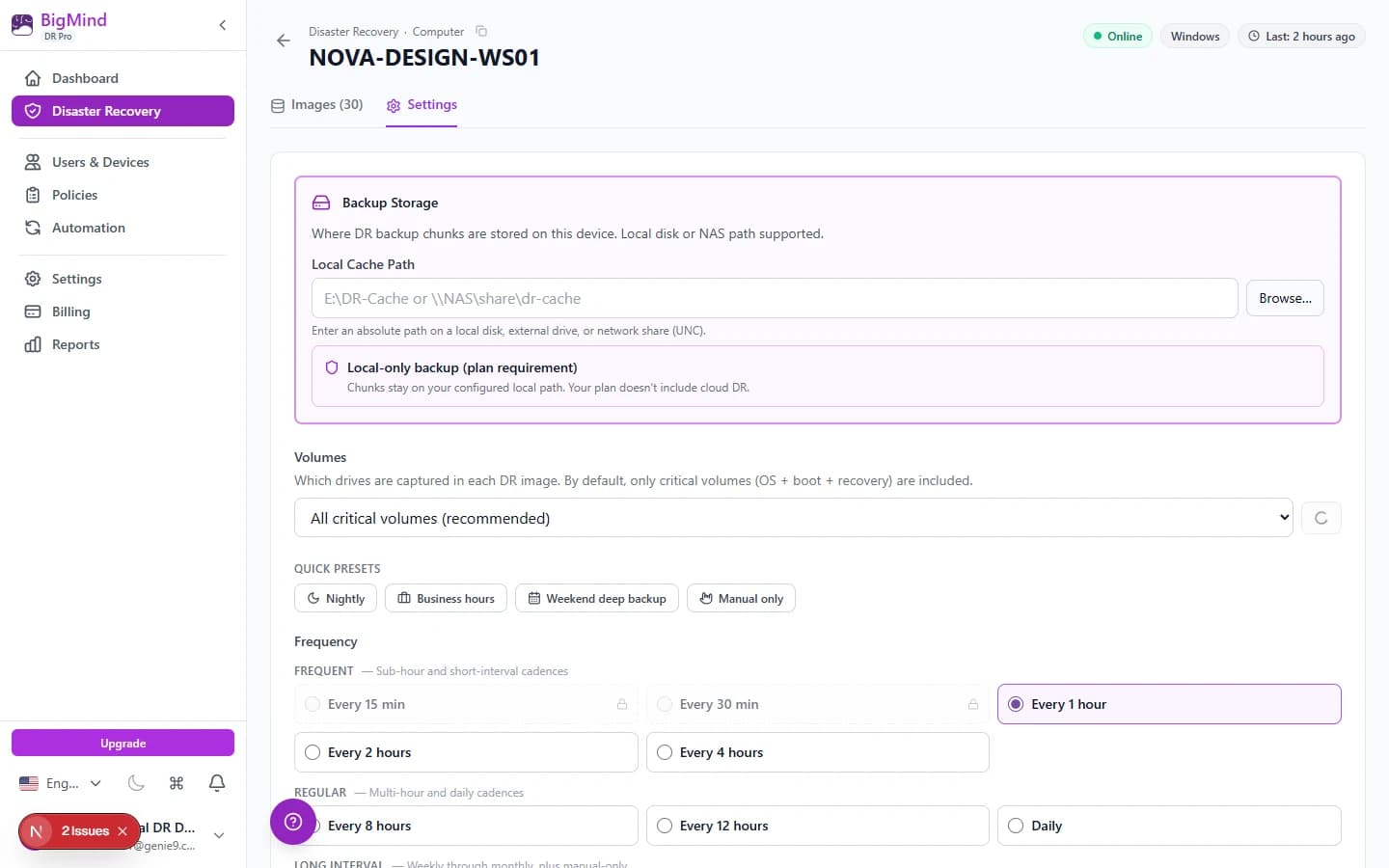
Local disk / external USB / NAS over SMB (UNC path + stored credentials); full system (DR) or specific drives.
First backup runs
Block-level image + canary deployed. Watch in dashboard.
What it needs.
Disk
5 GB free for the agent
Memory
1 GB free during backup
Network
Outbound HTTPS to BigMind cloud (management) + LAN to your destination (chunks)
Admin / sudo
Required for install — block-level imaging needs disk-level access
Your first backup. Then the dashboard.
First backup is a full image. Block-level. Includes VSS snapshot, NTFS bitmap walk, dedup. Deploys canary decoys at install.
Subsequent backups are incremental. Daily on Free. Hourly on Plus. 1-hour minimum on Pro.
Backing up to a USB drive or NAS? If the destination disconnects mid-backup, the agent pauses, probes every 30 seconds for up to 2 hours, and resumes from checkpoint — no corrupt images, no starting over.
Download FAQ
Why email only? Why not a direct download?+
Email lets us send install instructions, recovery key reminders, and (importantly) ransomware canary alert digests. We don't spam — see privacy policy.
Is the installer signed?+
Yes. Authenticode-signed on Windows and GPG-signed on Linux. Verifiable via system requirements page.
How many machines can I back up on Free?+
Free covers 1 user with 1 device — one machine, signing in with your own email. Need more seats? Basic is 3 users, Plus is 10 (2 devices each), and Pro is 15 (3 devices each).