Features
Everything it does, in eight parts.
Genie AI reads your content, shows a chat panel to your visitors, answers them from what it read, and gives your team one inbox to see it all and step in.
The parts
Where to start.
If you only read one, read the knowledge base — it is the part that decides whether any of the rest is useful on your site.
Knowledge base
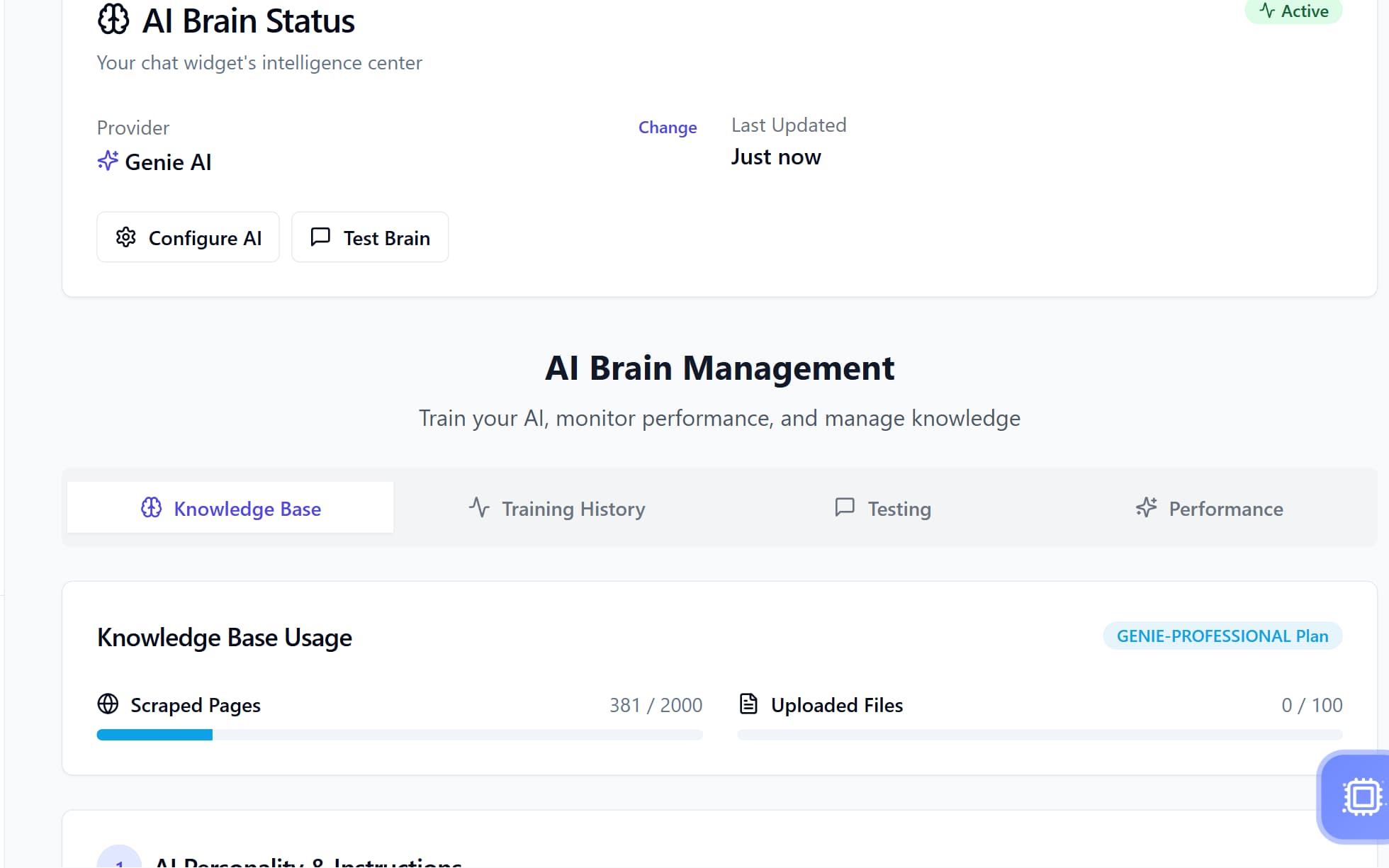
What it reads, and what it reports it missed — sitemap or link discovery, a render probe that measures rather than guesses, document upload and scanned-PDF transcription.
Learn more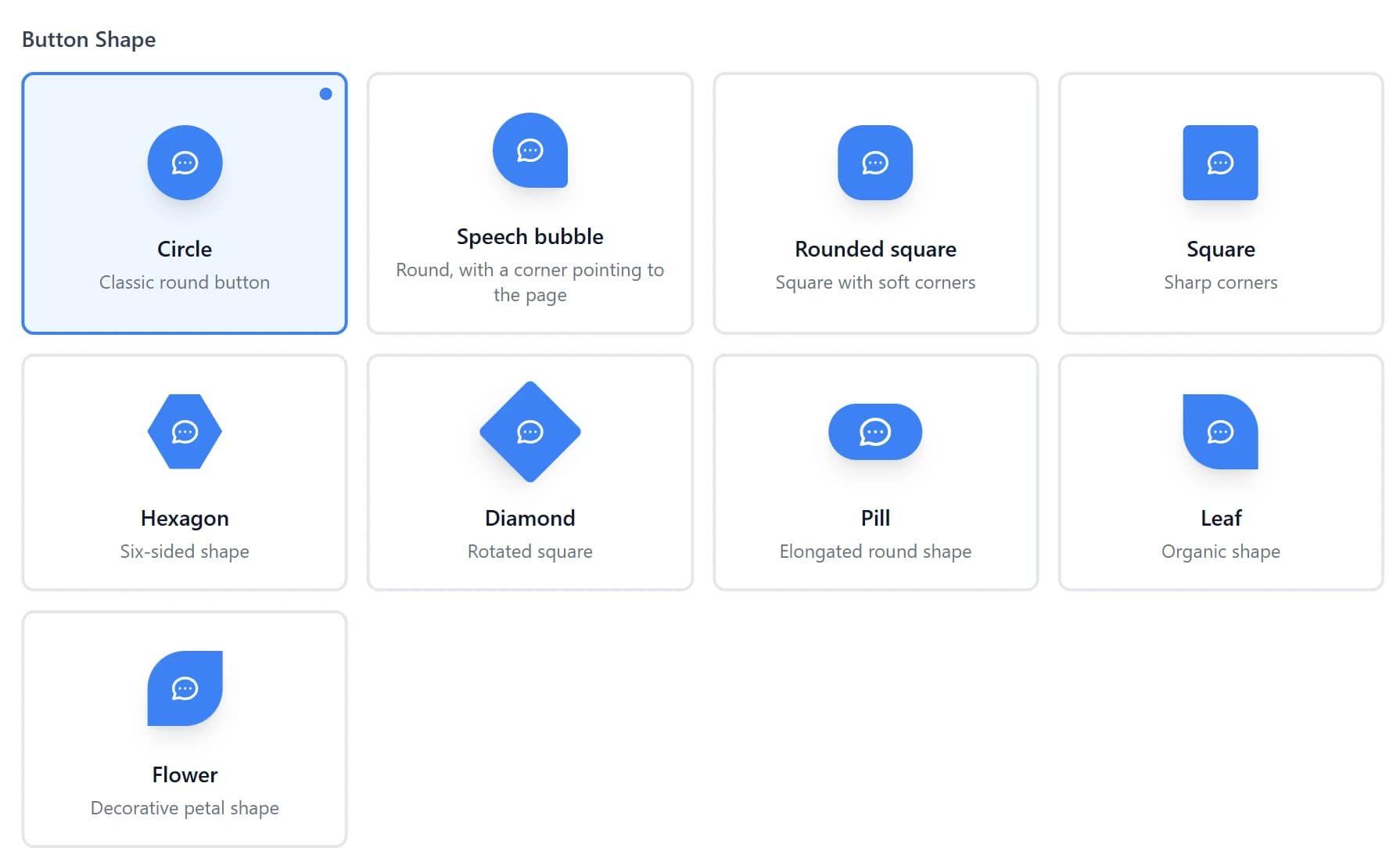
Chat widget
What your visitors see. A launcher and a chat panel that runs inside an iframe, with streaming answers, human replies that arrive at once with a name and a face, and twelve languages including genuinely mirrored Arabic.
Learn more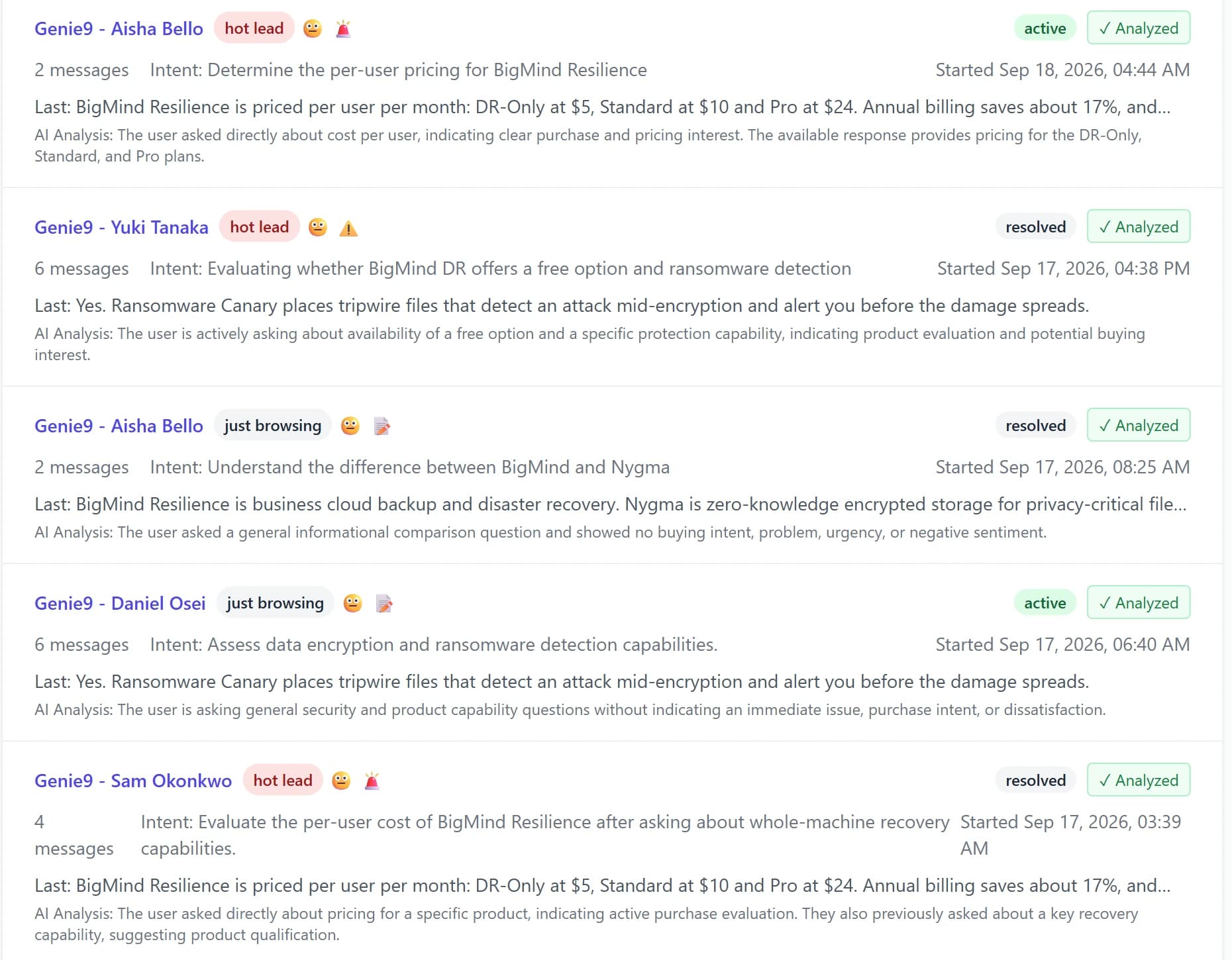
Dashboard
What you log into. Every conversation your assistant had, labels on demand, CSV export, notifications, and what your visitors asked counted over any range.
Learn more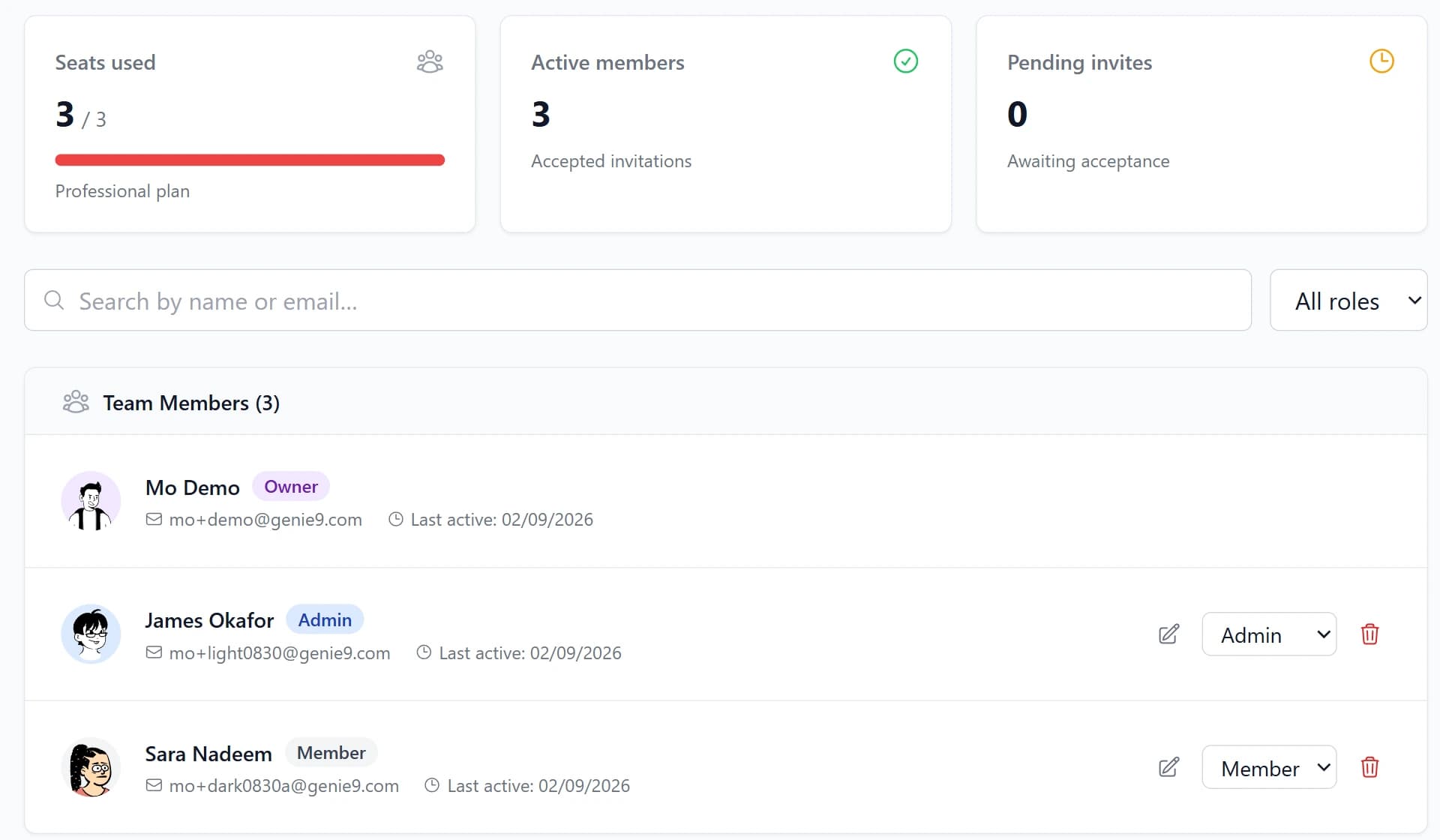
Team inbox
One shared inbox and three roles that mean what they say. A human reply reaches the visitor at once, captioned with the teammate’s name and avatar, and the assistant steps back until it is handed the conversation again.
Learn more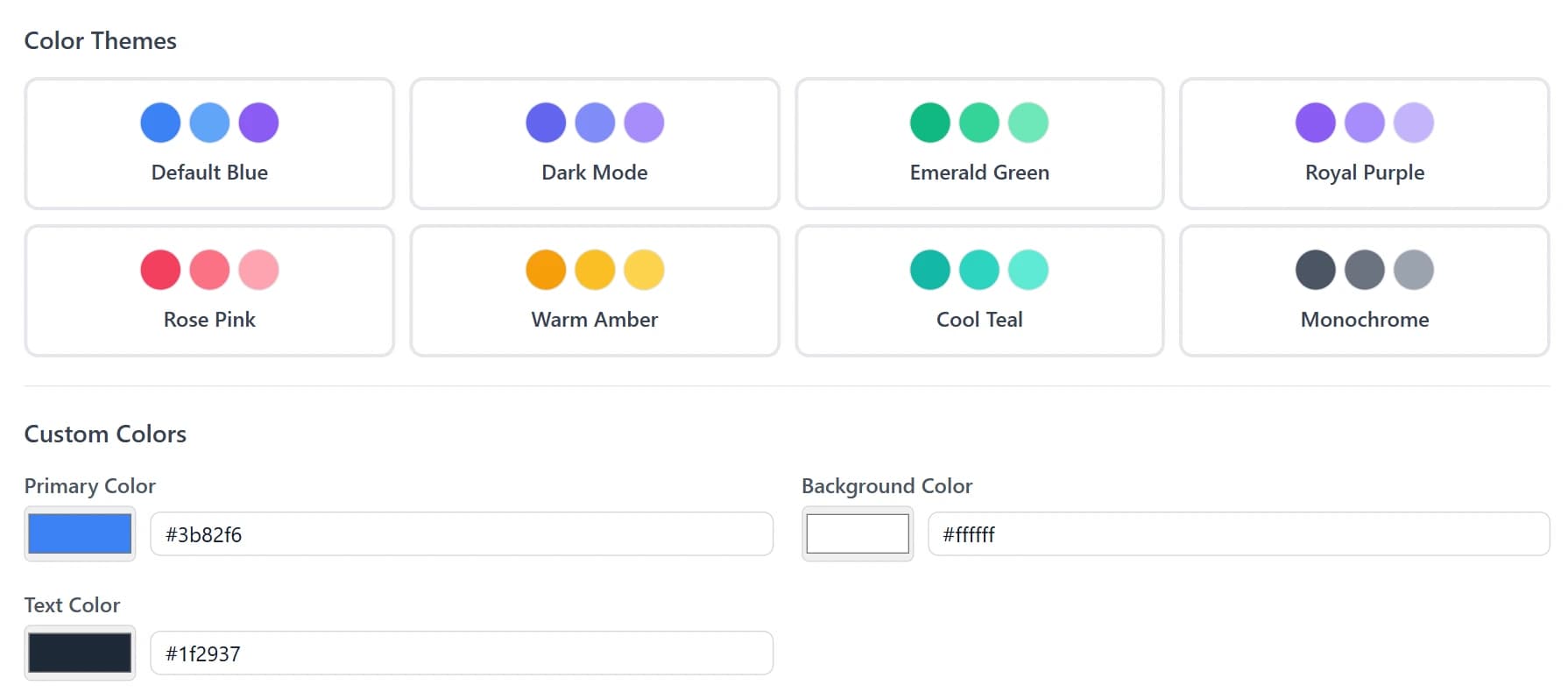
Customization
Making it look like yours. Nine launcher shapes, nine animations, eight colour themes over your own brand colour, four text sizes and five corner steps — every one of them reaching the widget your visitors load.
Learn more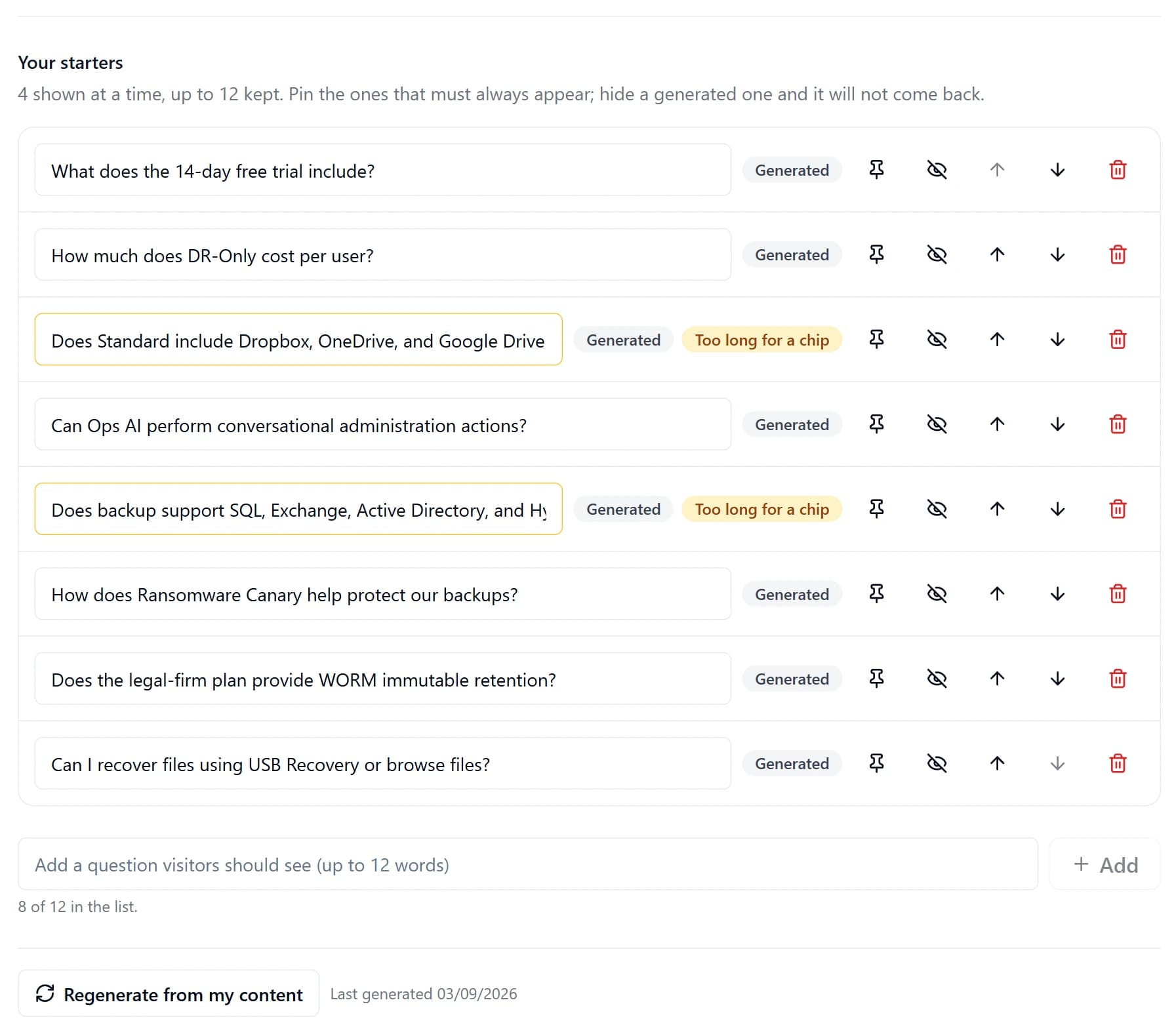
Smart features
Offering help before the visitor asks, with the message chosen from the kind of page they are on — and a chat that opens with four questions drawn from your own content, which you can edit, pin and regenerate.
Learn more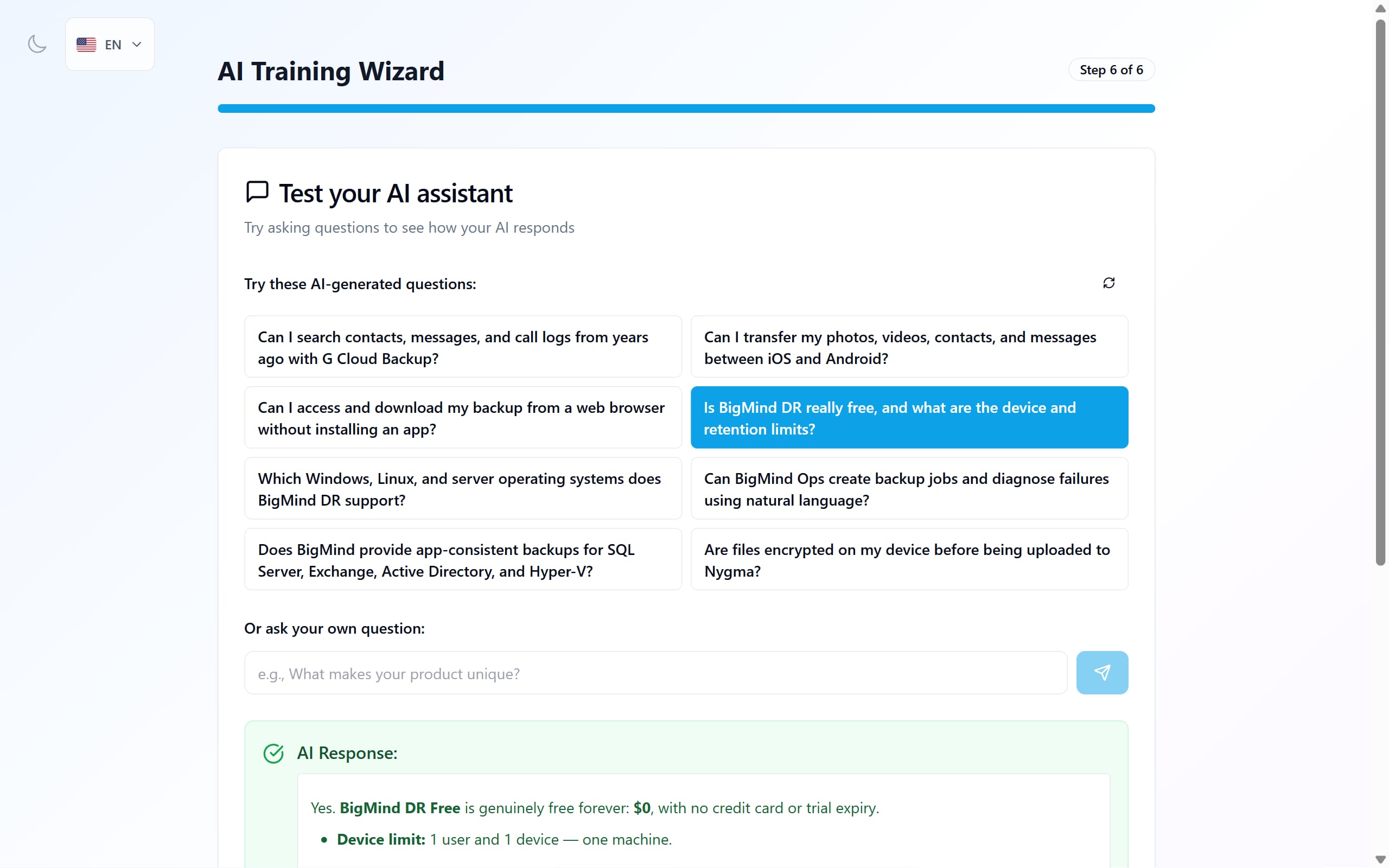
AI answers
How replies are kept inside your content. Retrieval by meaning and exact wording, a rule against doing arithmetic, a source check before quoting a figure, and a contradiction shown rather than resolved.
Learn more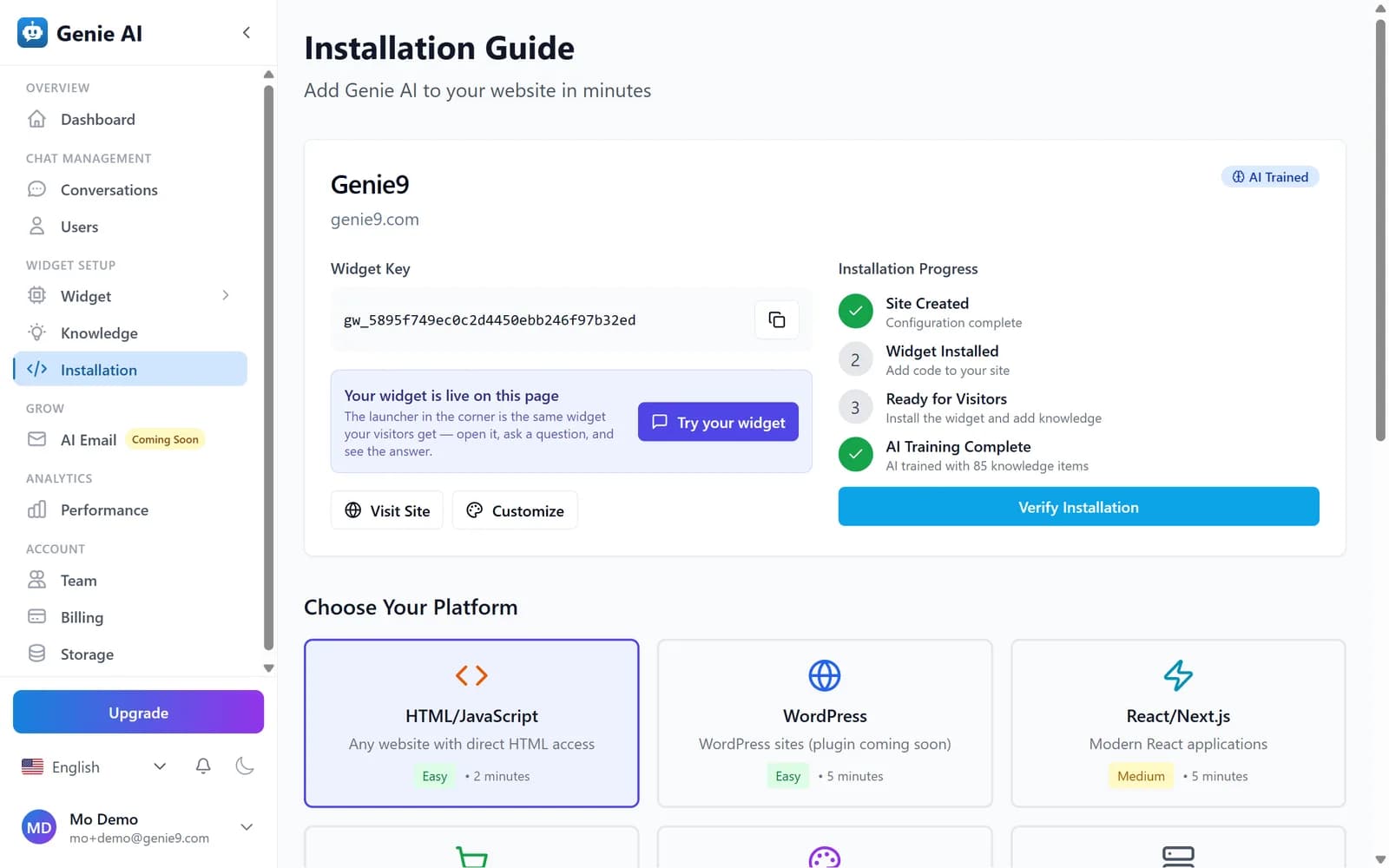
Install
One script tag before the closing body tag, six platform walkthroughs that all hand you the same line, a Verify button, and a JavaScript API for single-page apps.
Learn moreIt reads your site, then tells you what it could not read.
Discovery follows your sitemap if you have one and your links if you do not. Scanned, image-only PDFs are transcribed page by page. And when a scan cannot cover everything, it says so — with a reason and an action.
What it readsA panel that cannot break your page, or be broken by it.
The conversation runs inside an iframe, so your stylesheet cannot reach into it and it cannot leak out into your site. Configure the launcher shape, animation, colours and typography — all of which reach the widget your visitors actually load.
What visitors seeRead every question, and step in when an answer is not enough.
The inbox holds the full thread of every conversation, labels them on demand, and lets anyone on your team reply — the visitor sees it at once, with their name on it. Usage figures are counted from your own conversations.
Inside the dashboardHow they relate
How the parts depend on each other.
Coverage decides quality
The single biggest lever on how useful the assistant is: how much of your site got indexed. Everything the answering rules do is bounded by what the knowledge base holds.
Learn moreThe widget and the inbox are two ends of one thread
What a visitor types in the panel is what your team reads in the inbox, and a reply goes back into the same conversation at once — with the name of whoever wrote it.
Learn moreAnd the plan sets the ceiling
Pages read, documents uploaded and conversations held are all plan allowances. Every one of those numbers lives on the pricing page.
Learn moreTry it on your own content.
The free plan scans your site, gives you a widget key, and shows you exactly what it learned. No card, no expiry.